Skip to content

What we shipped, when.

Every TicketCord release, newest first: what is new and what changed.

v2.84,

Game accounts and Test Atlas

See who you are helping, check Atlas before members do, and reply faster from Discord.

  • Game accounts

    New tickets show each member's Roblox and Steam accounts and their player on your FiveM server, and you can require a linked account before a ticket opens.

  • Test Atlas

    Ask a question and see what Atlas would answer, with its sources. Replay recent tickets to compare its answers with your staff's.

  • Priority support

    Tickets from members with chosen roles open at a higher priority, with an optional faster response target.

  • Unanswered questions

    The Staff Q&A tab lists what Atlas couldn't answer, so you can add the answers.

Also new

  • /summary, /claim and /ai-help help staff draft a reply in one click.
  • /help lists every command with who can use it.
  • Ask AI on ticketcord.com answers your questions about TicketCord.
  • Suggest ideas from the roadmap page.

Changed

  • Free now includes 2 panels and Allowed Staff Roles, and can lower the open-ticket limit.
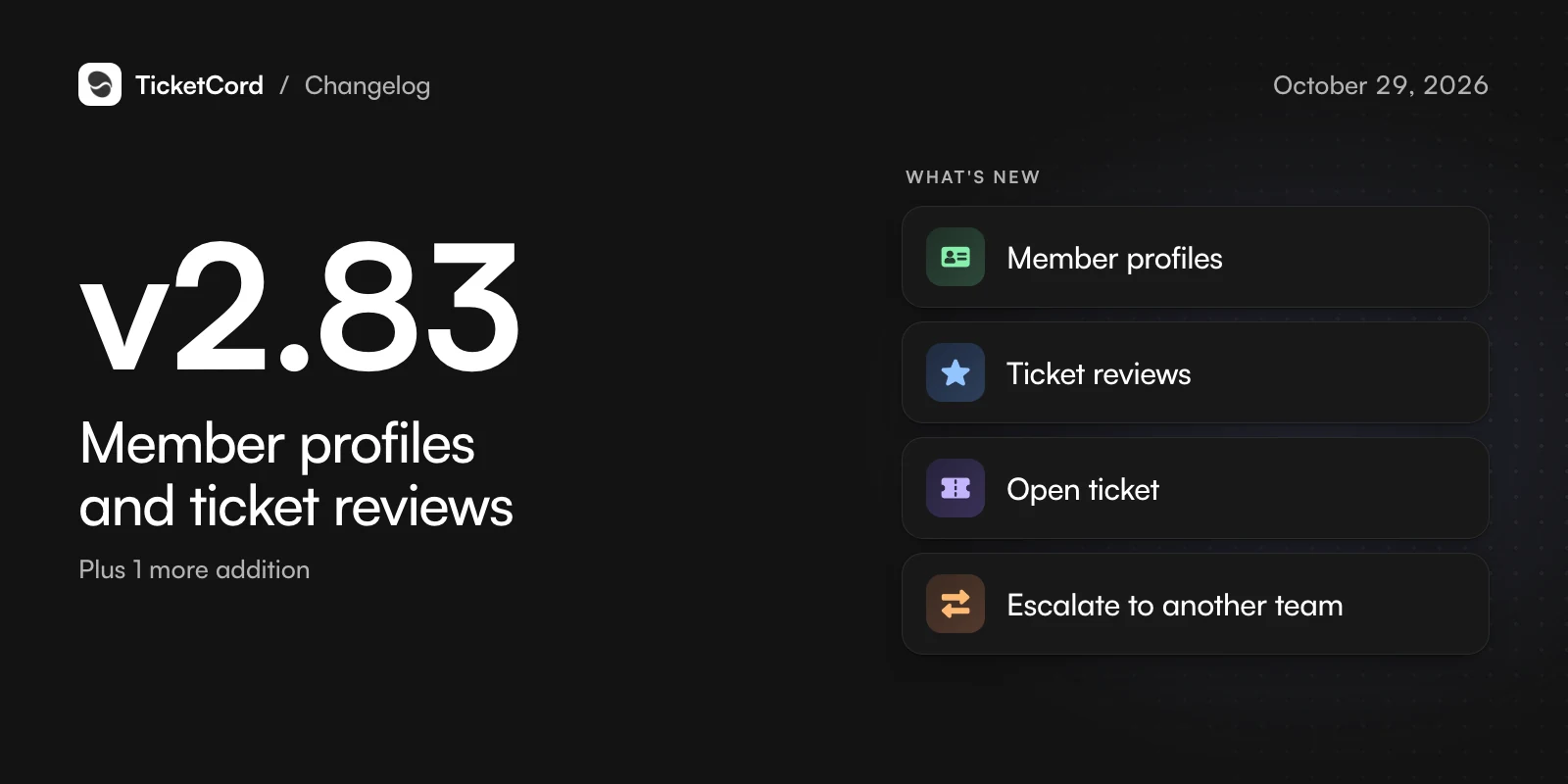
v2.83,

Member profiles and ticket reviews

Know every member at a glance and see how each ticket was handled.

  • Member profiles

    A member's ticket history, ratings, private notes, tags and custom details in one place.

  • Ticket reviews

    Atlas reviews how each closed ticket was handled, with scores per staff member and team trends.

  • Open ticket

    Staff can turn a member's message into a private ticket.

  • Escalate to another team

    Hand a ticket to another support team with a reason, from Discord or the dashboard.

Also new

  • Team analytics show the time each staff member spends on tickets.

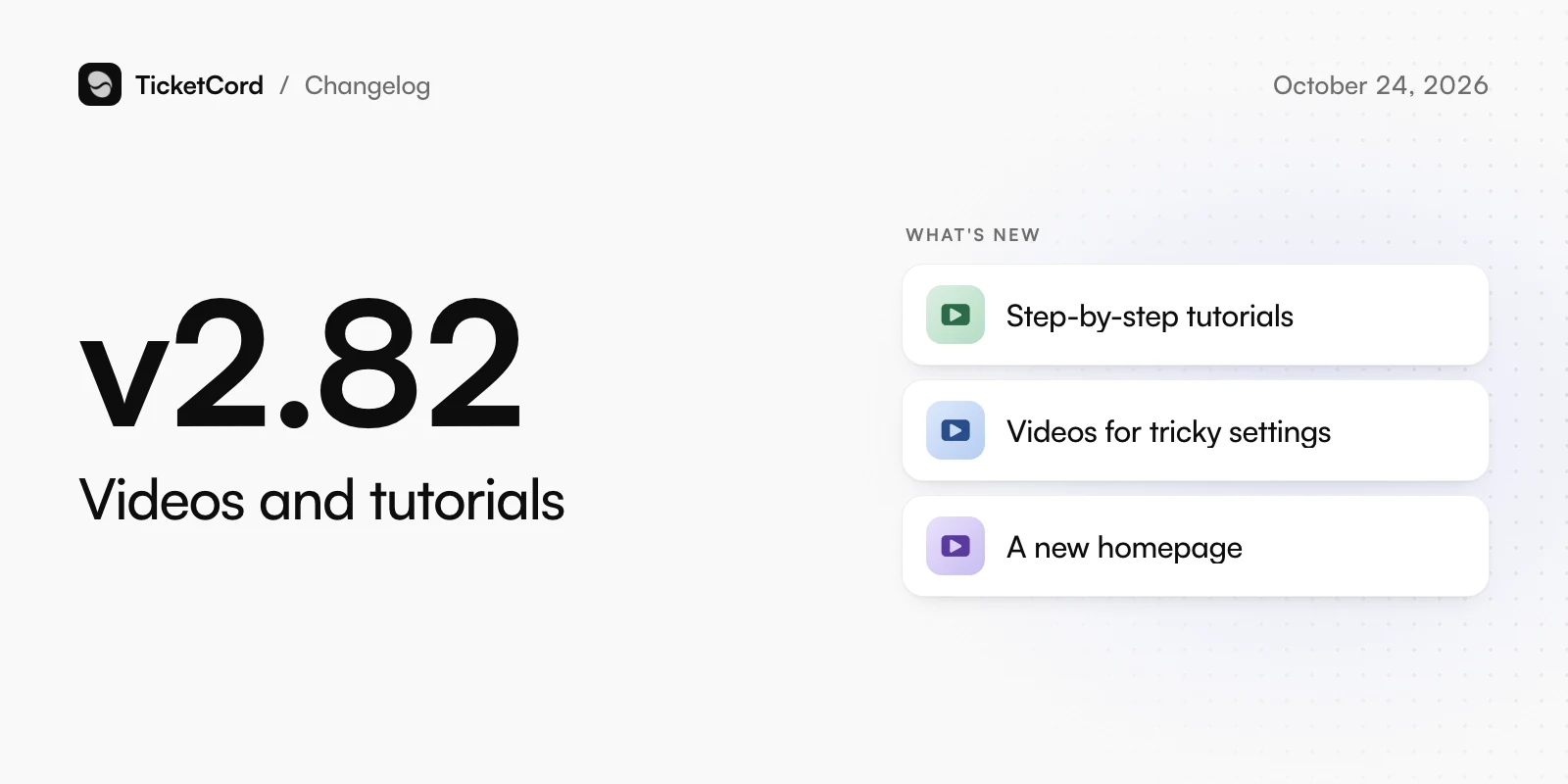
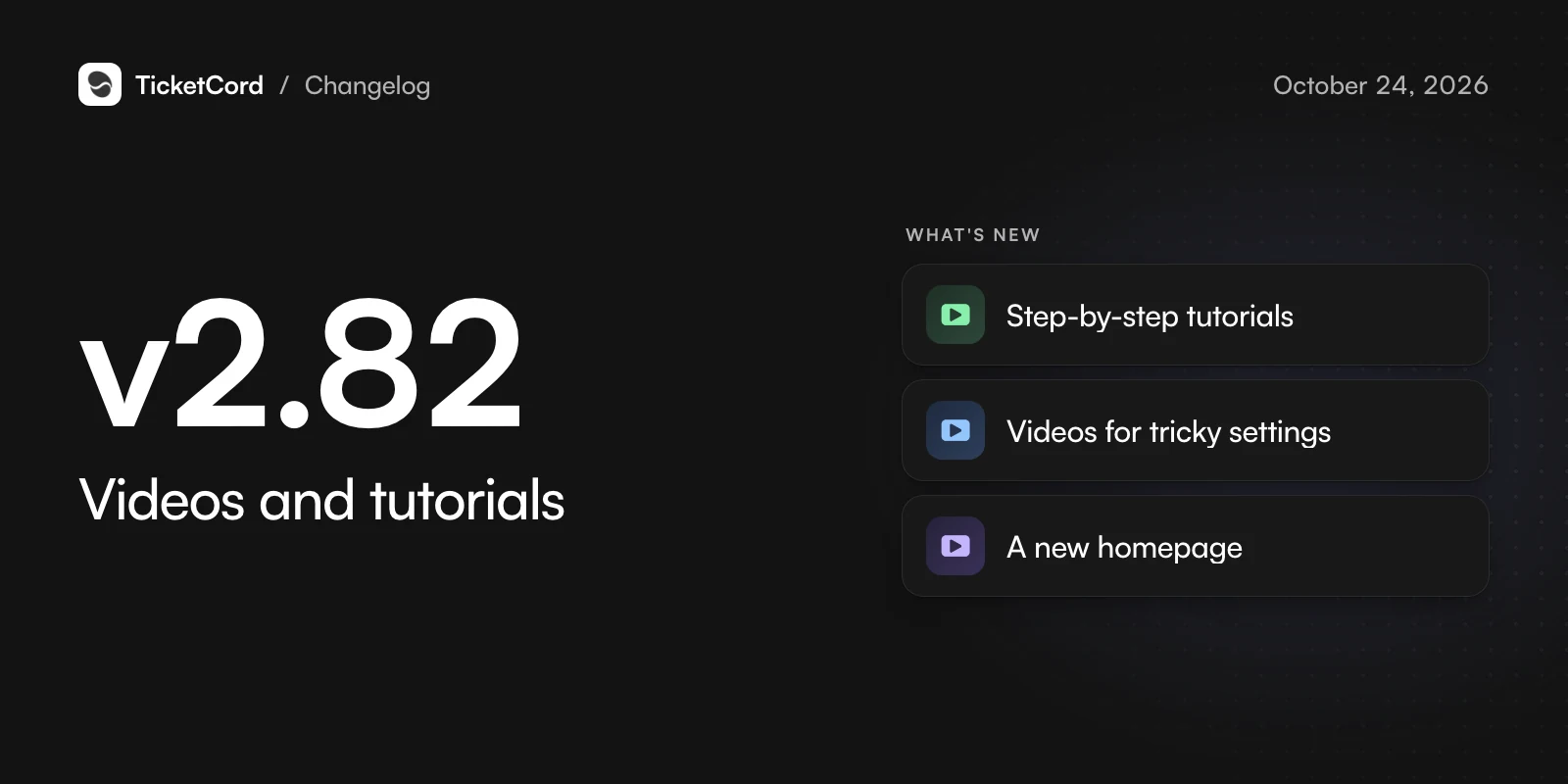
v2.82,

Videos and tutorials

Learn TicketCord by watching it, from your first bot to your first solved ticket.

  • Step-by-step tutorials

    Narrated tutorials cover creating and inviting your bot, your first panel, staff roles, the dashboard and teaching Atlas.

  • Videos for tricky settings

    Press Watch video on a setting, such as auto-close or response targets, to see what it does.

  • A new homepage

    The homepage opens with a tour of TicketCord and a video on how we keep your data private.

Changed

  • Every server now gets the same Atlas answers: the Lite and Premium modes are gone.
  • Discord channel sources keep the newest messages instead of stopping at your plan limit.
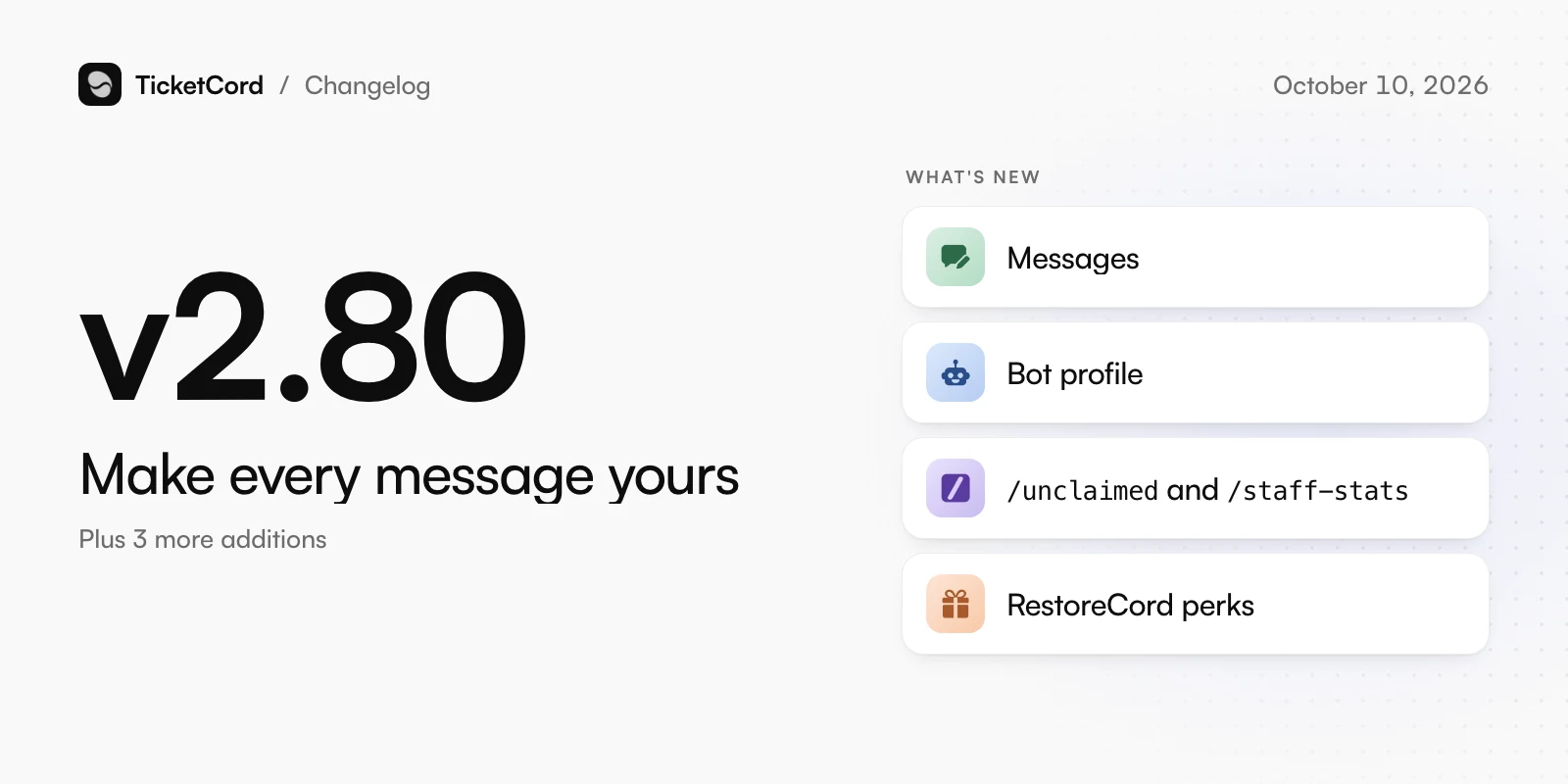
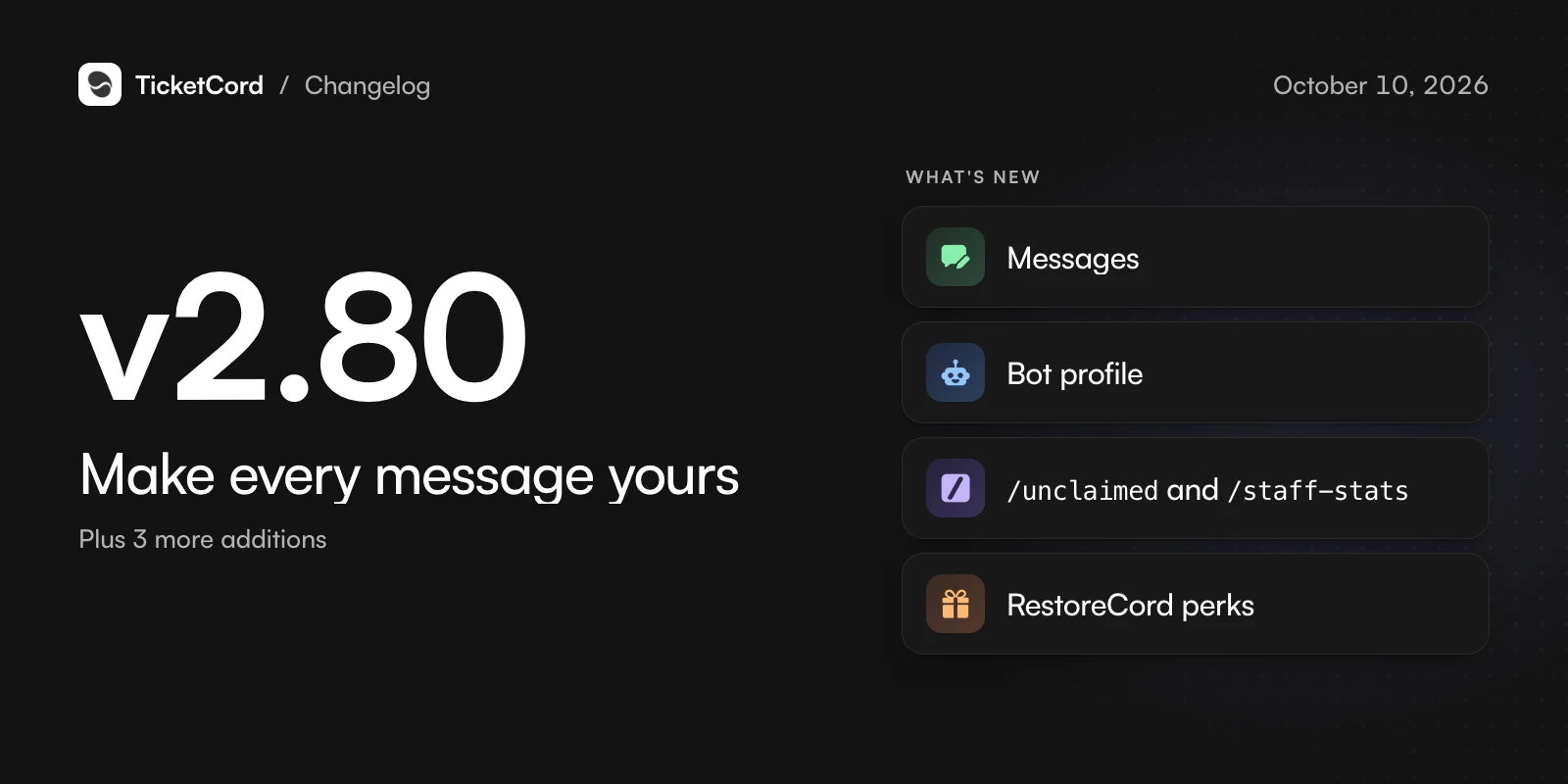
v2.80,

Make every message yours

Rewrite what your bot says, restyle its buttons and change its profile without leaving the dashboard.

  • Messages

    Rewrite nearly every message TicketCord sends, in the same designer as your panels. Rename, restyle or hide its buttons. Basic and higher.

  • Bot profile

    Change your bot's name, picture and banner right from the dashboard.

  • /unclaimed and /staff-stats

    See every open ticket nobody has claimed, and your team's numbers, without leaving Discord.

  • RestoreCord perks

    RestoreCord Business and Enterprise now include TicketCord Pro.

Also new

  • A public roadmap and a live status page.
  • Help content shows the token estimate for a large source and waits for you to start.
  • Connected AI tools can read your stats and rewrite your messages.

Changed

  • /on-call is gone: thread tickets mention your staff roles in every new thread.
  • Reminders now need Basic instead of Pro.

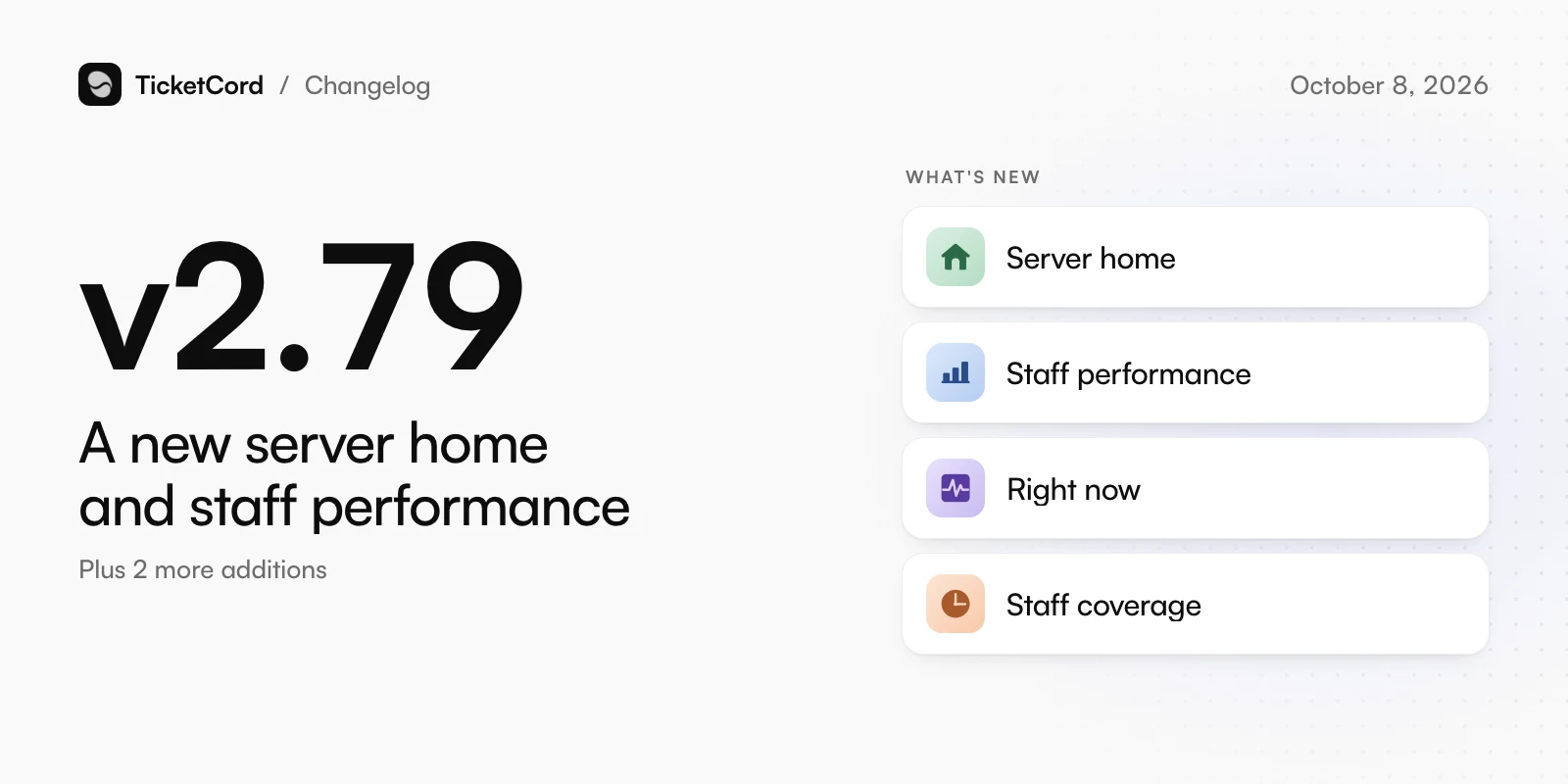
v2.79,

A new server home and staff performance

Find any setting quickly and see how every staff member is doing.

  • Server home

    Each server has a clearer home page with guided setup, settings grouped by task, and search.

  • Staff performance

    Each staff member's reply and close times, reopen rate and ratings, next to the team median.

  • Right now

    Open tickets by age, the oldest unanswered ones and who has claimed what, at a glance.

  • Staff coverage

    See when tickets arrive against when your team replies, and which hours are understaffed.

Also new

  • Pick any date range for stats, up to a year.
  • Upload a FAQ, policy or guide as a file and Atlas turns it into Q&A entries.

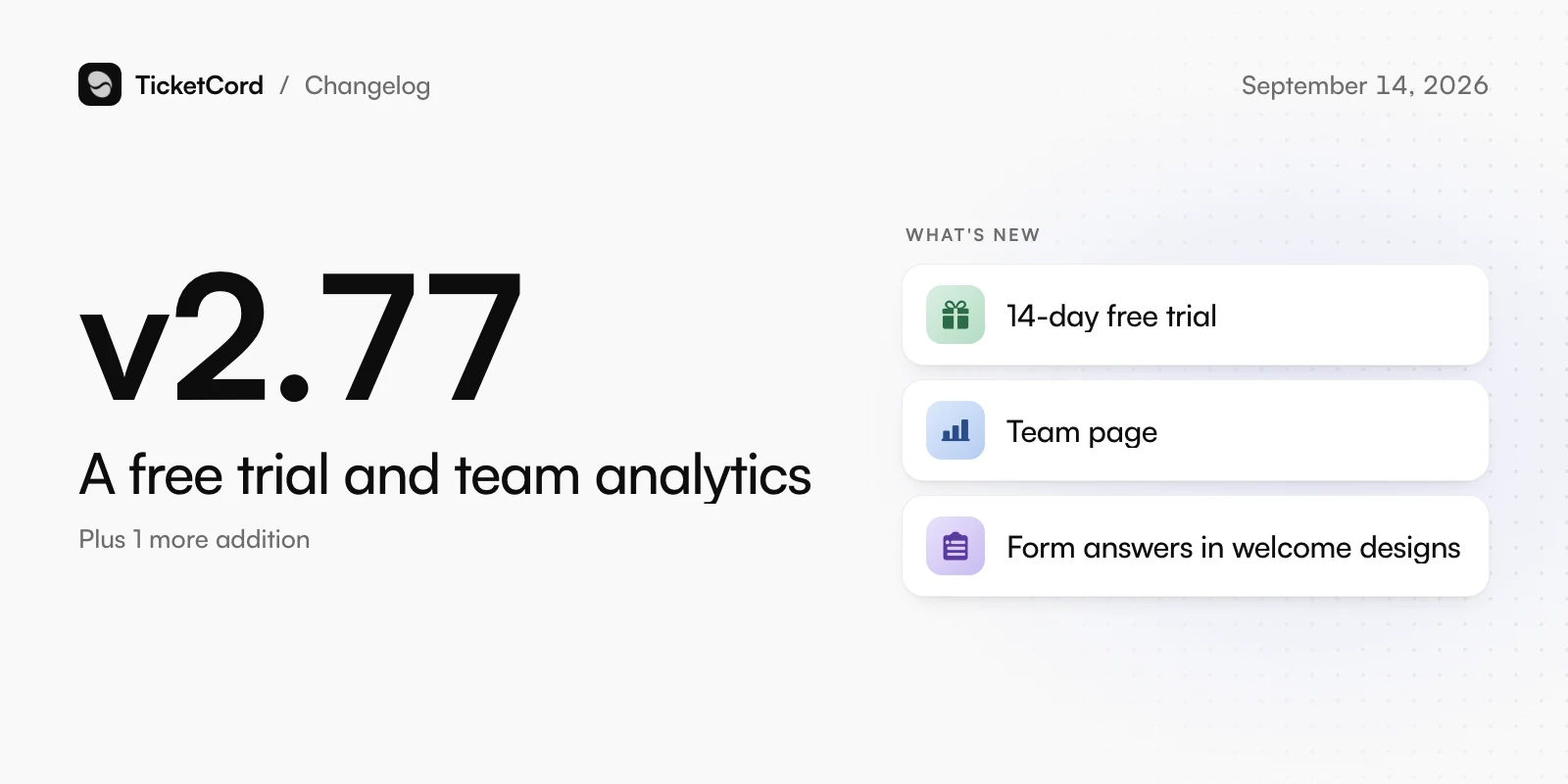
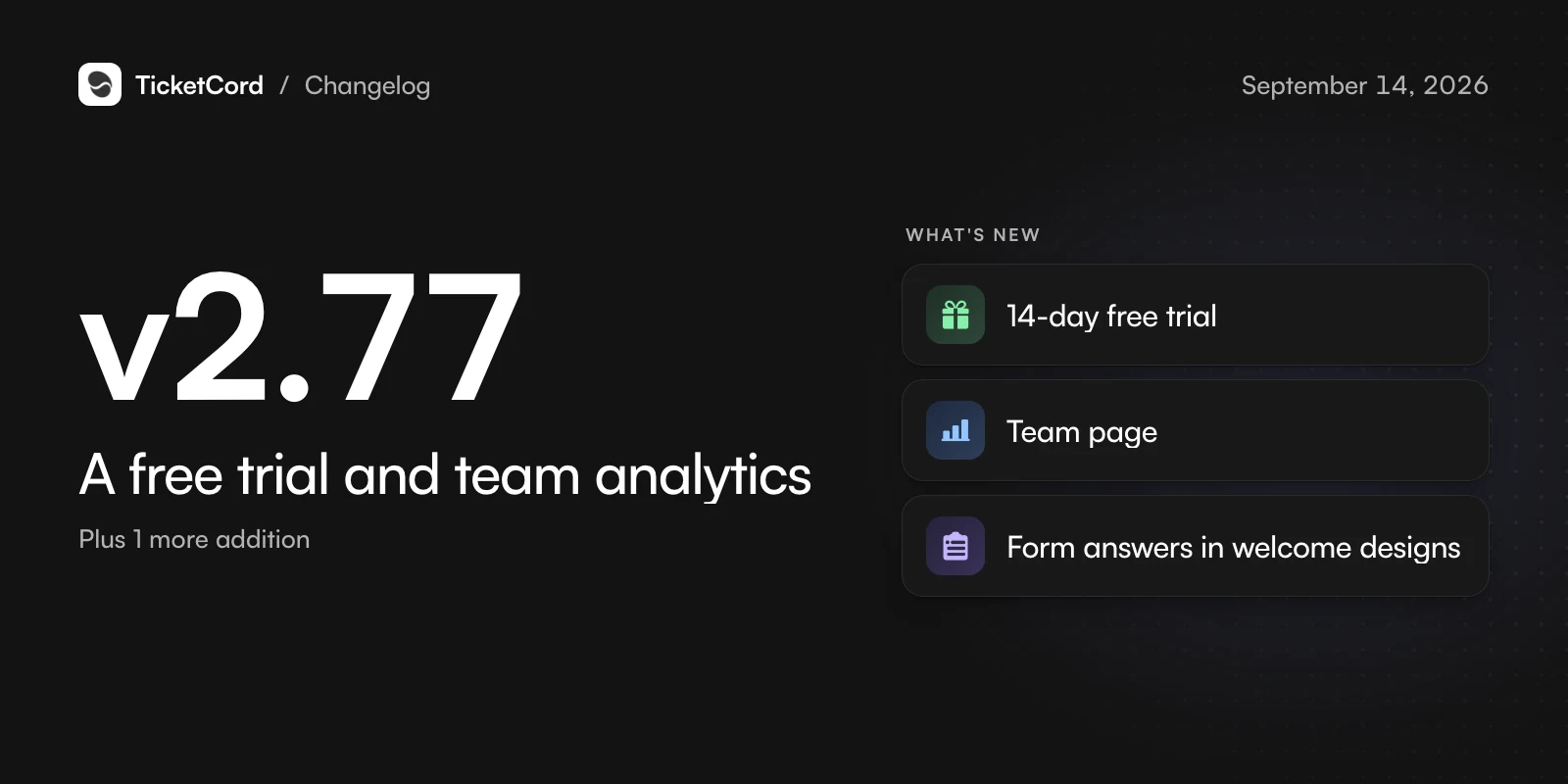
v2.77,

A free trial and team analytics

Try everything for 14 days and see what your whole team does.

  • 14-day free trial

    New accounts try Enterprise for 14 days with no card, and return to Free afterwards with no charge.

  • Team page

    Every staff member with their tickets, reply times, ratings and missed targets. Compare periods and export a CSV.

  • Form answers in welcome designs

    Place any form answer anywhere in a welcome message, or let the design assistant do it.
Also new

  • Add your docs and FAQs, and turn on AI features, while setting up.

Changed

  • The quick replies dropdown is now called the Self-help menu.
  • Each ticket type has one picker for its welcome message.
  • /train is gone: Atlas keeps learning from closed tickets on its own.

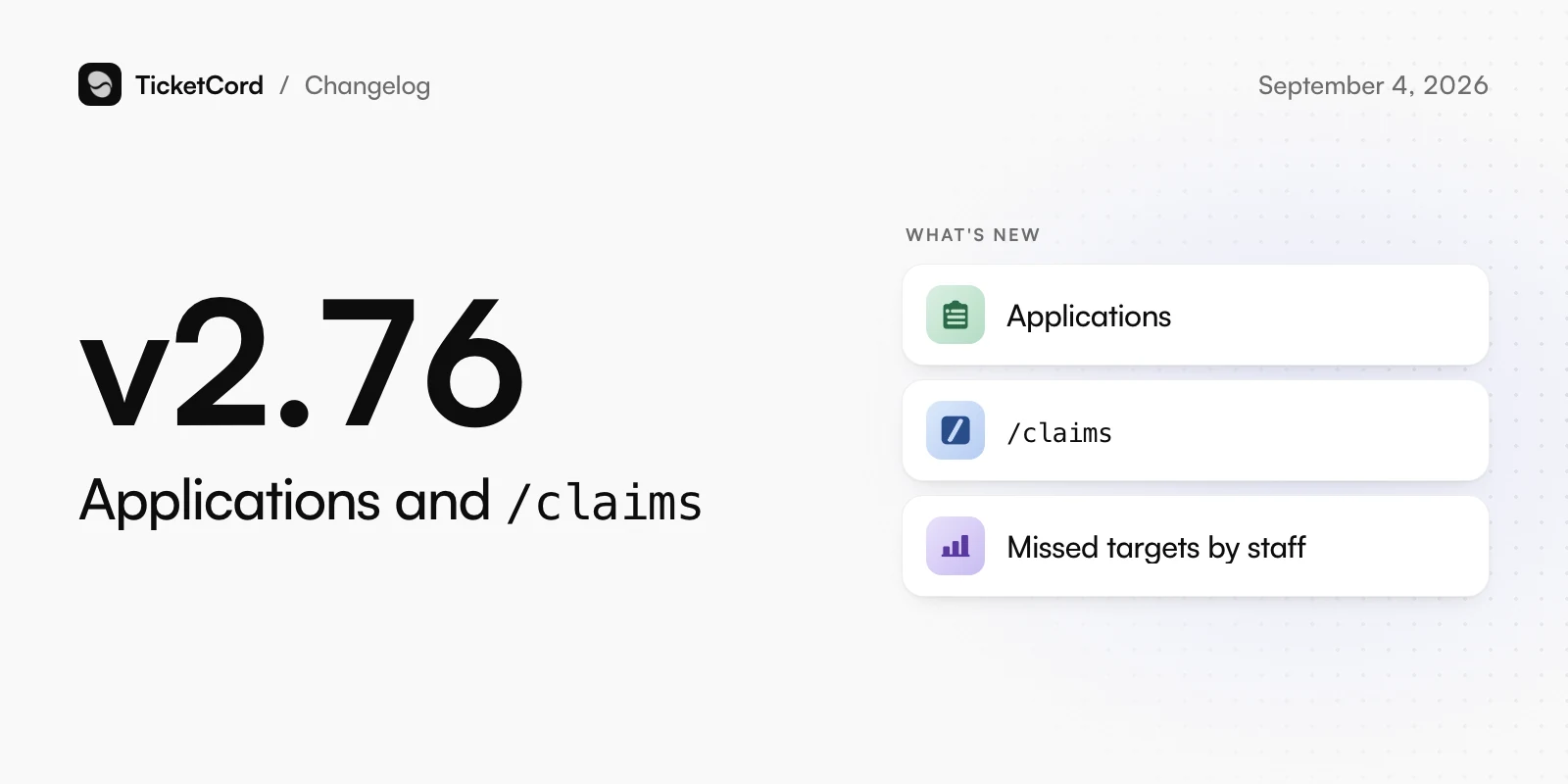
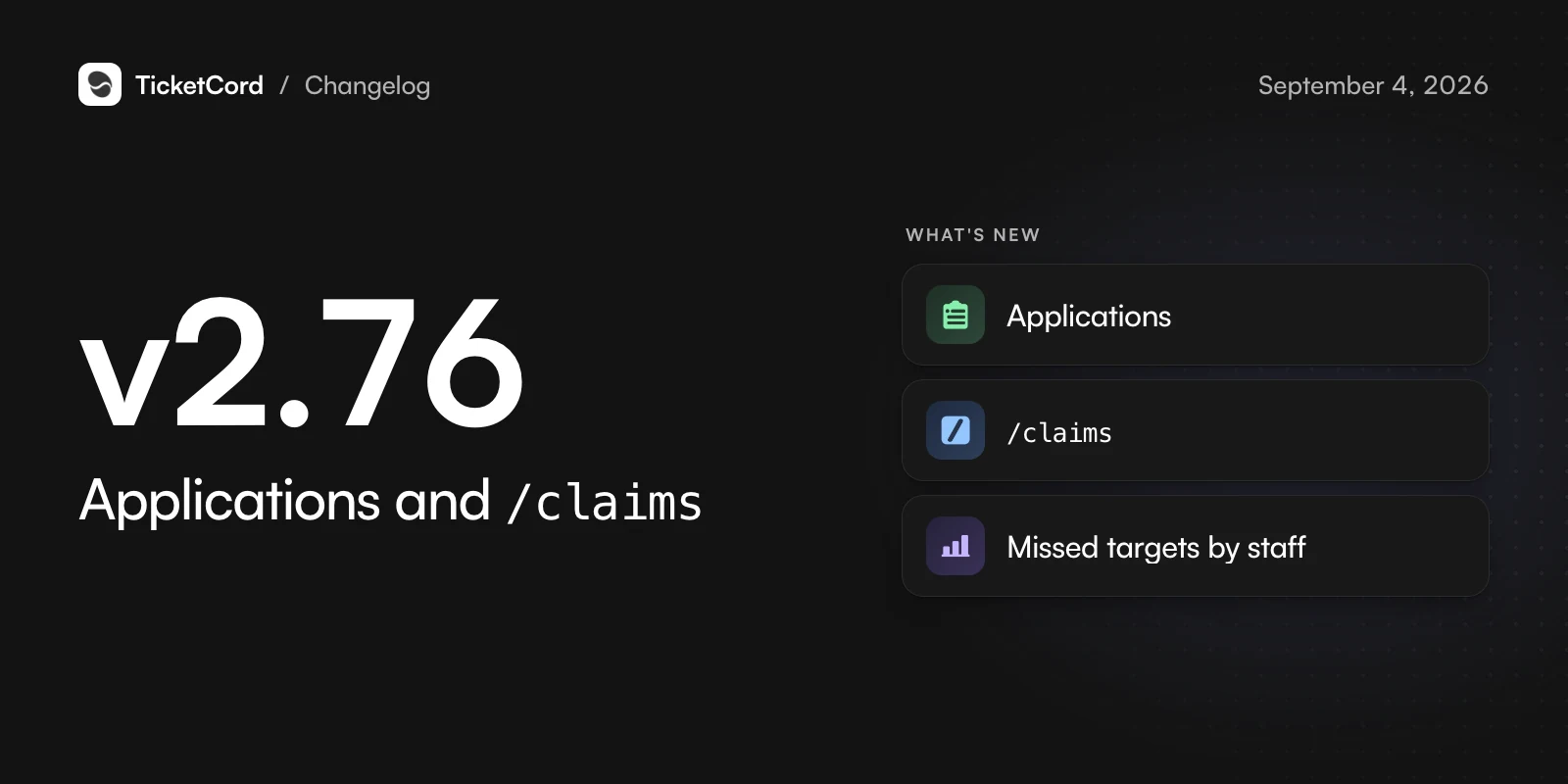
v2.76,

Applications and /claims

Review applications in the ticket and keep track of your own claims.

  • Applications

    Ask text, choice and file questions. Accept or deny from the ticket with a reason, and grant roles on accept.
  • /claims

    Every ticket you claimed in one private list, sorted the way you need, with a link to each.
  • Missed targets by staff

    Analytics show which staff members missed response targets, with links to the tickets.

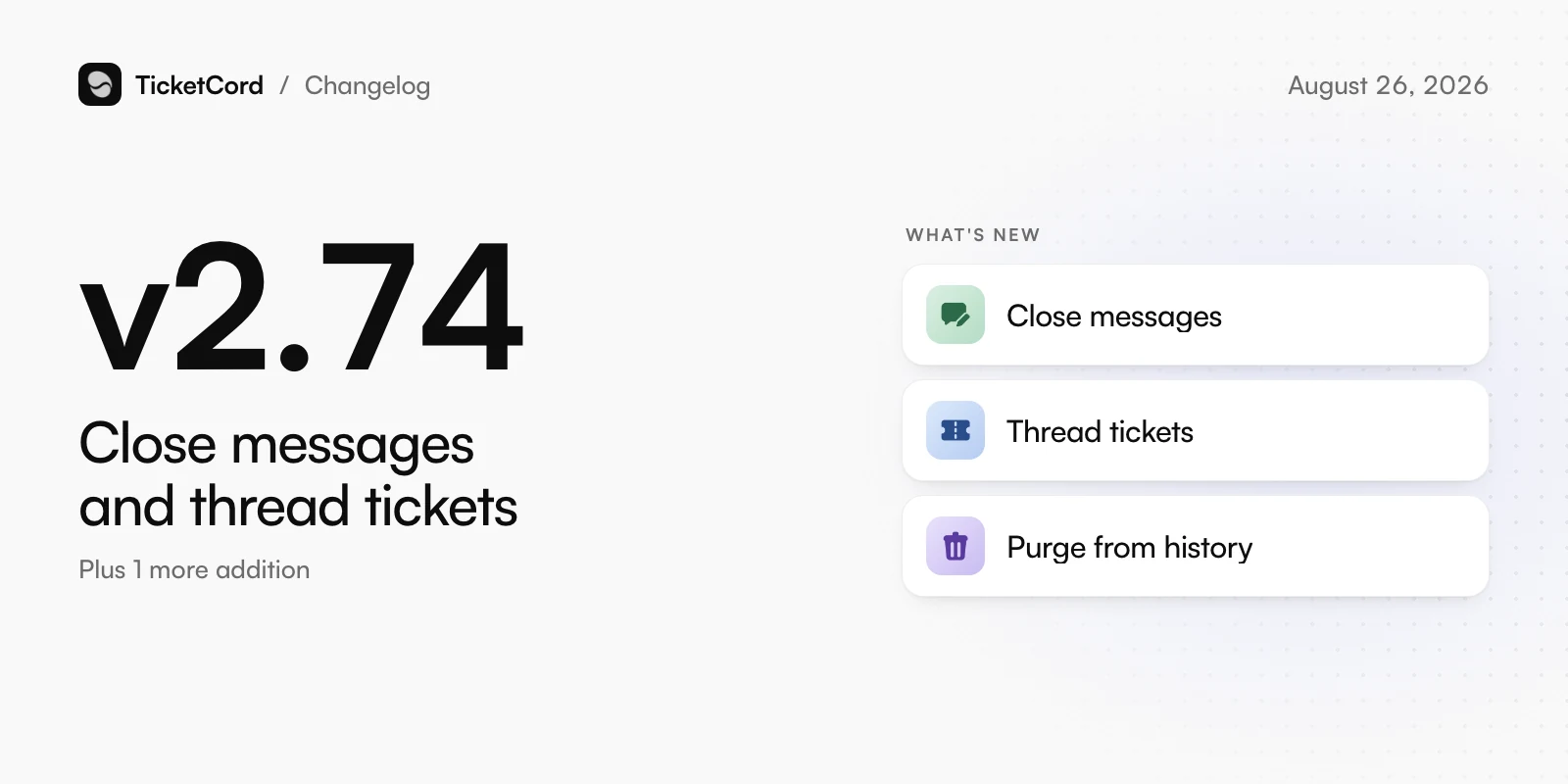
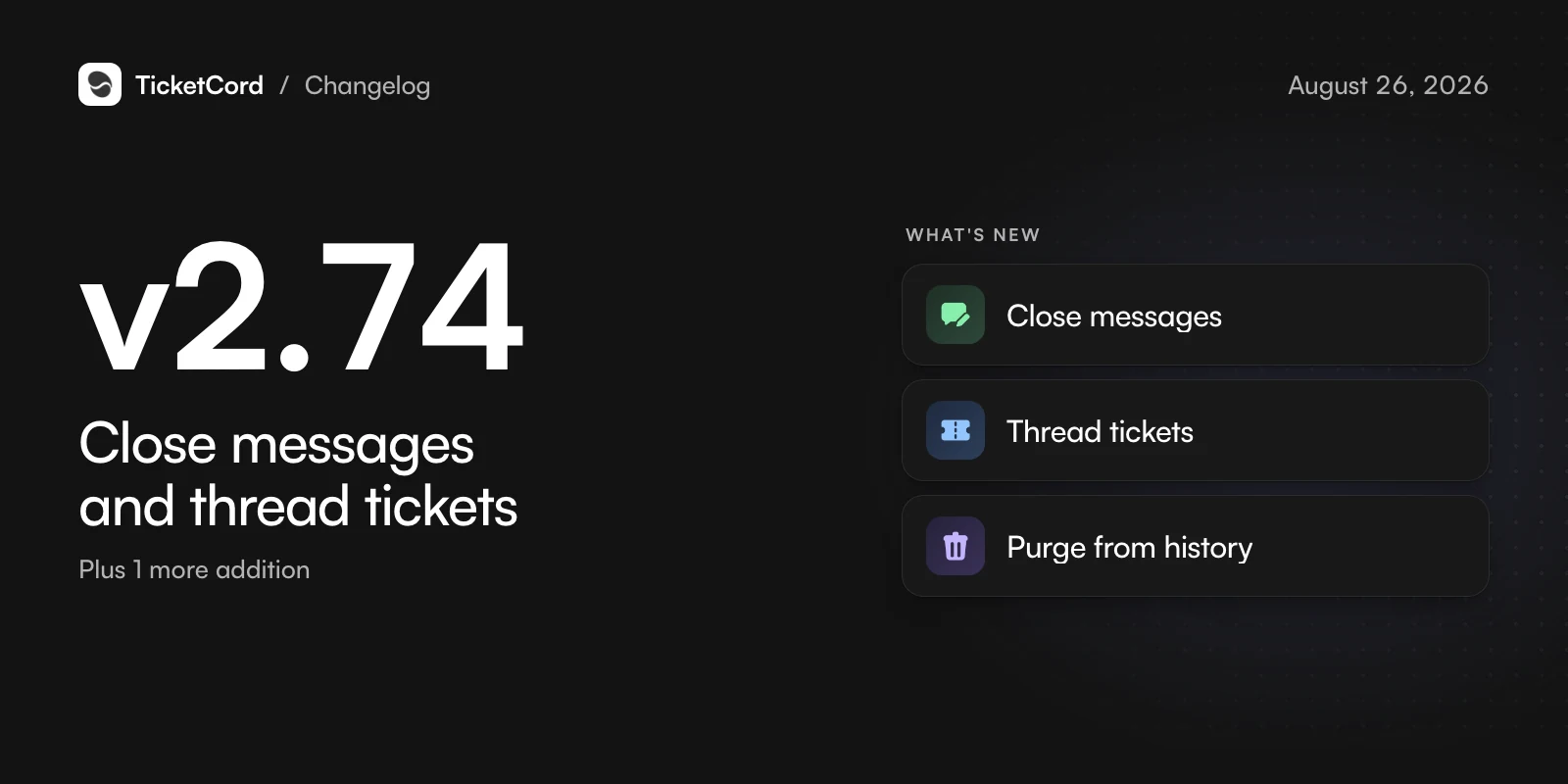
v2.74,

Close messages and thread tickets

Choose how tickets end, and get the full experience in threads.

  • Close messages

    Pick a design for the notice posted when a ticket closes and for the DM the member gets.

  • Thread tickets

    Thread tickets get everything channel tickets have, from the first ping to closing and reopening.

  • Purge from history

    Remove deleted tickets, with their messages and transcripts, from your history for good.

Also new

  • Enterprise reads up to 500 pages from one website.

Changed

  • Welcome Messages is now called Messages and holds every message your bot sends.

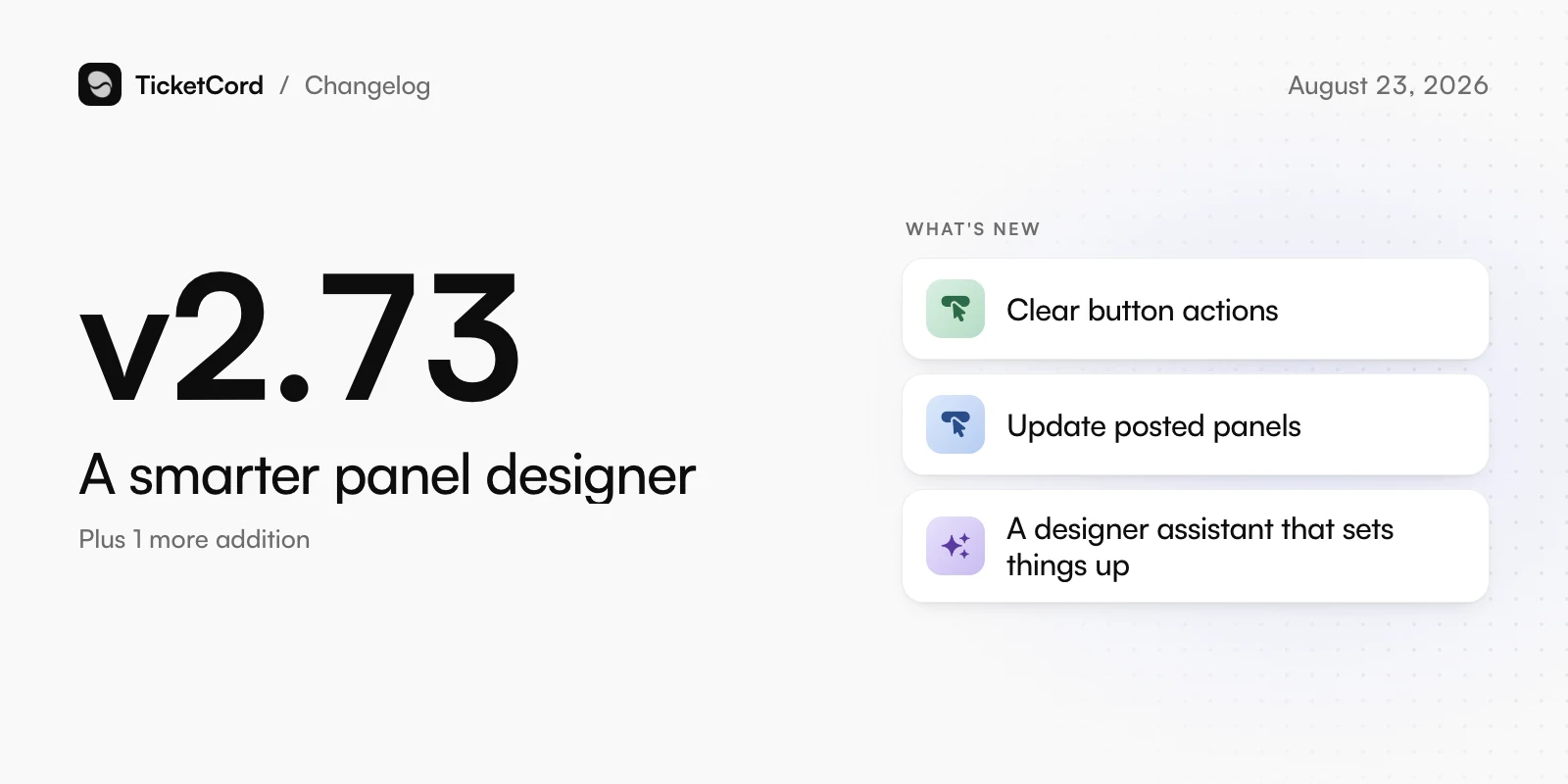
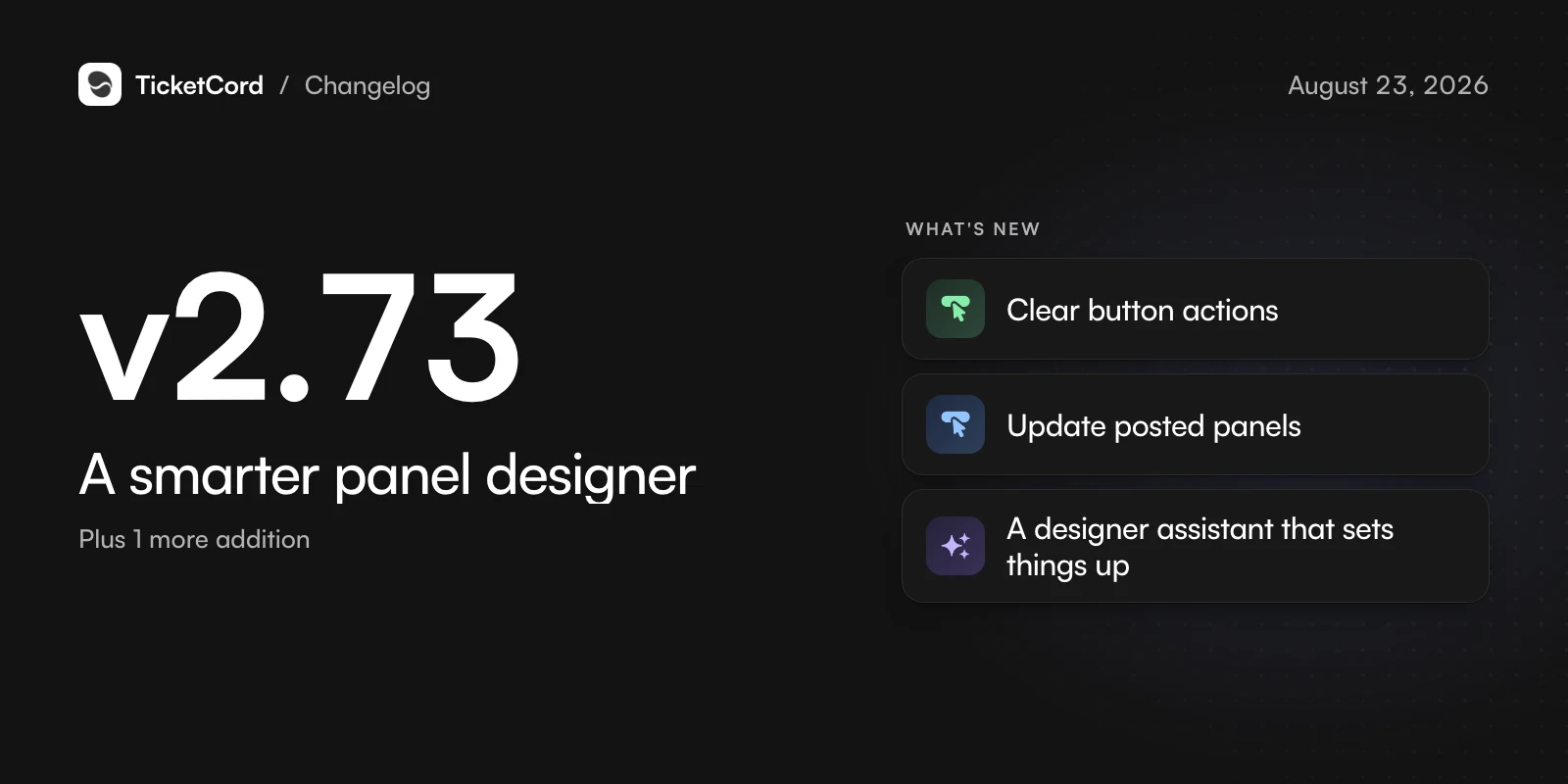
v2.73,

A smarter panel designer

Build a panel that is ready to post, and update it after it is live.

  • Clear button actions

    Every button and dropdown shows what it does, right under it. Click to change it.

  • Update posted panels

    Save & update changes a panel already in your channel, without posting a second copy.

  • A designer assistant that sets things up

    Ask for a panel and the assistant adds forms, picks categories and hands you something ready to post.

Also new

  • Add your own notes and Markdown files to your knowledge base.

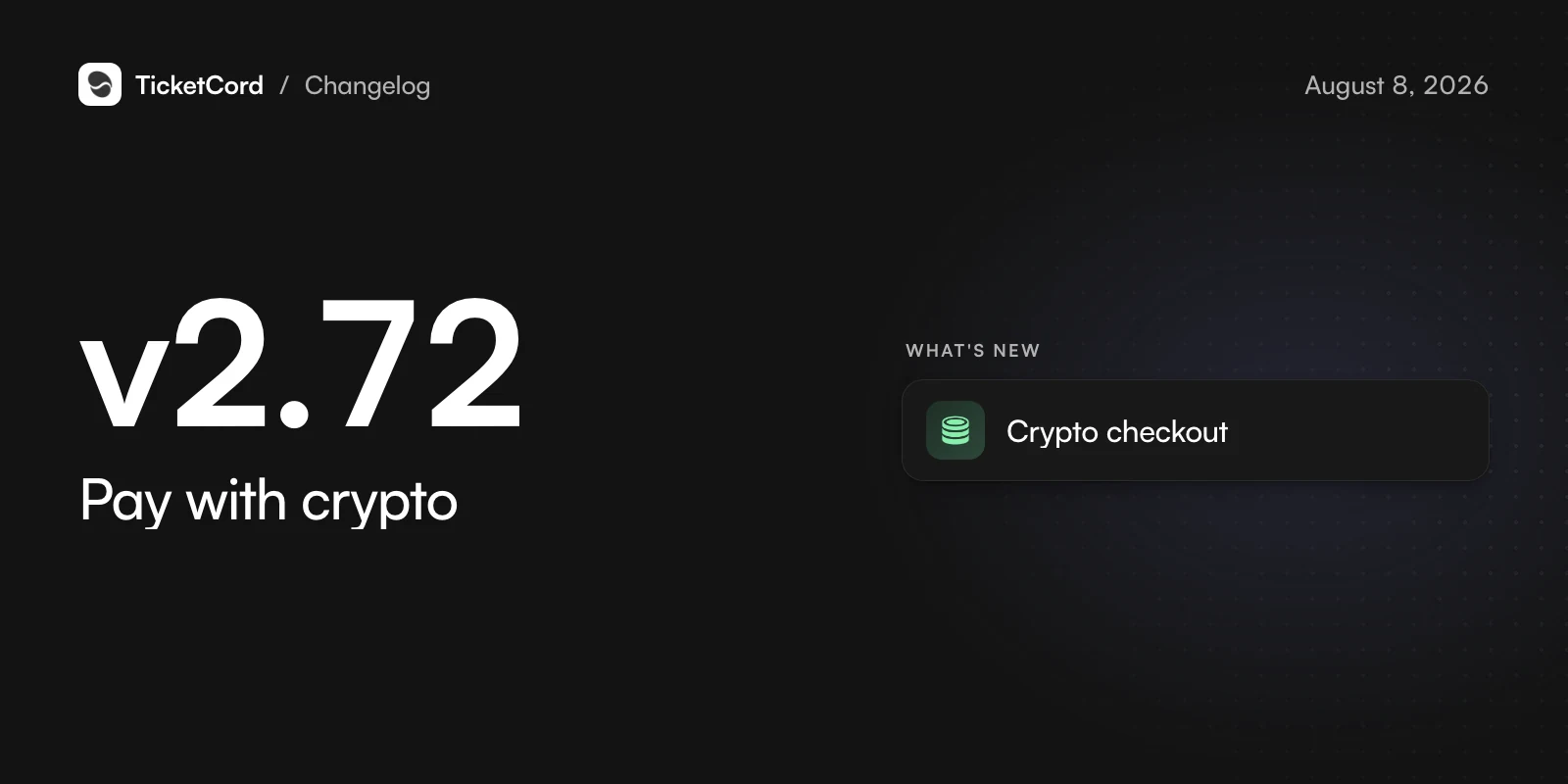
v2.72,

Pay with crypto

Prepay for TicketCord with cryptocurrency.

  • Crypto checkout

    Buy 3, 6 or 12 months with cryptocurrency, with a QR code and live payment status.

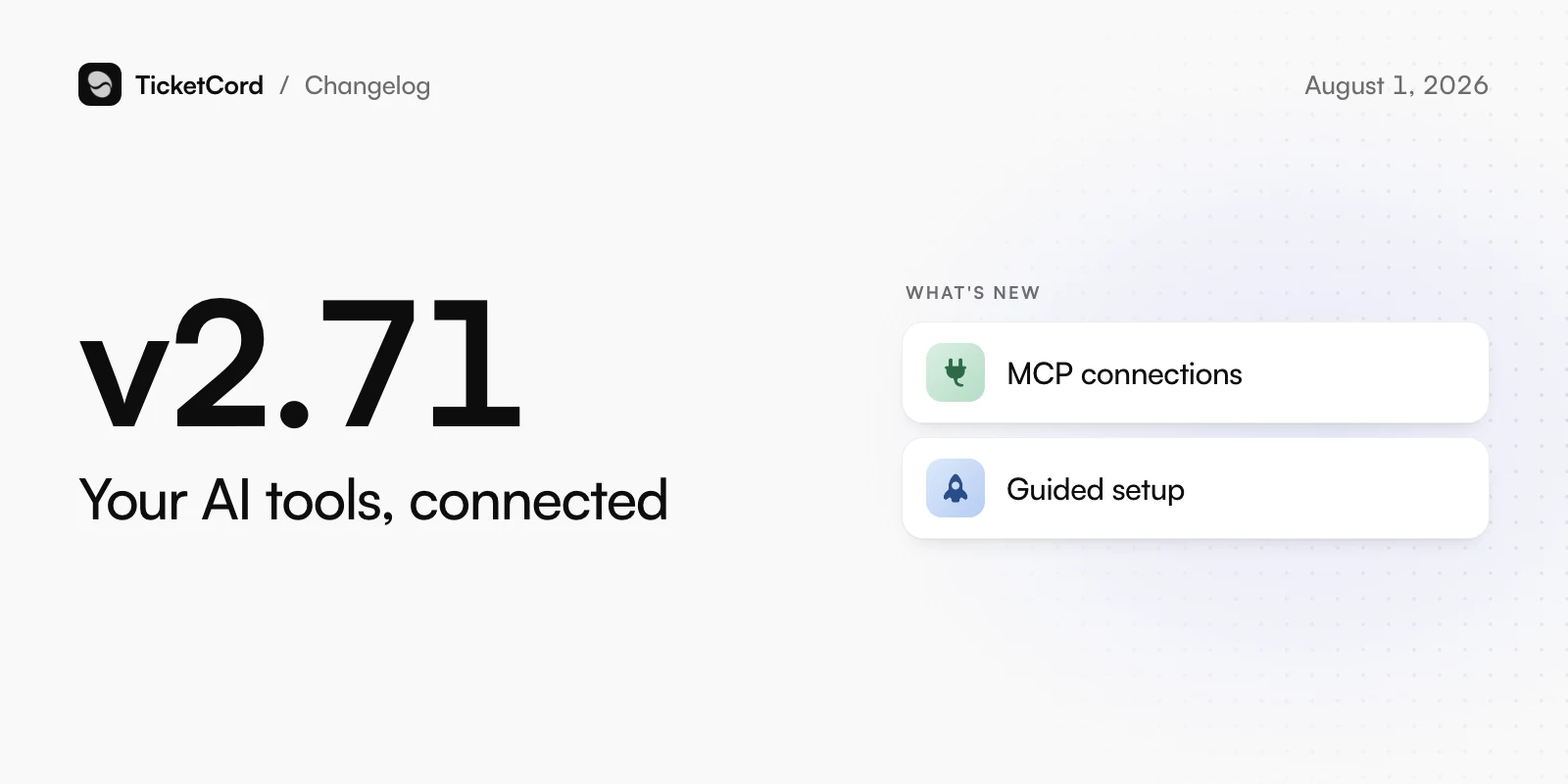
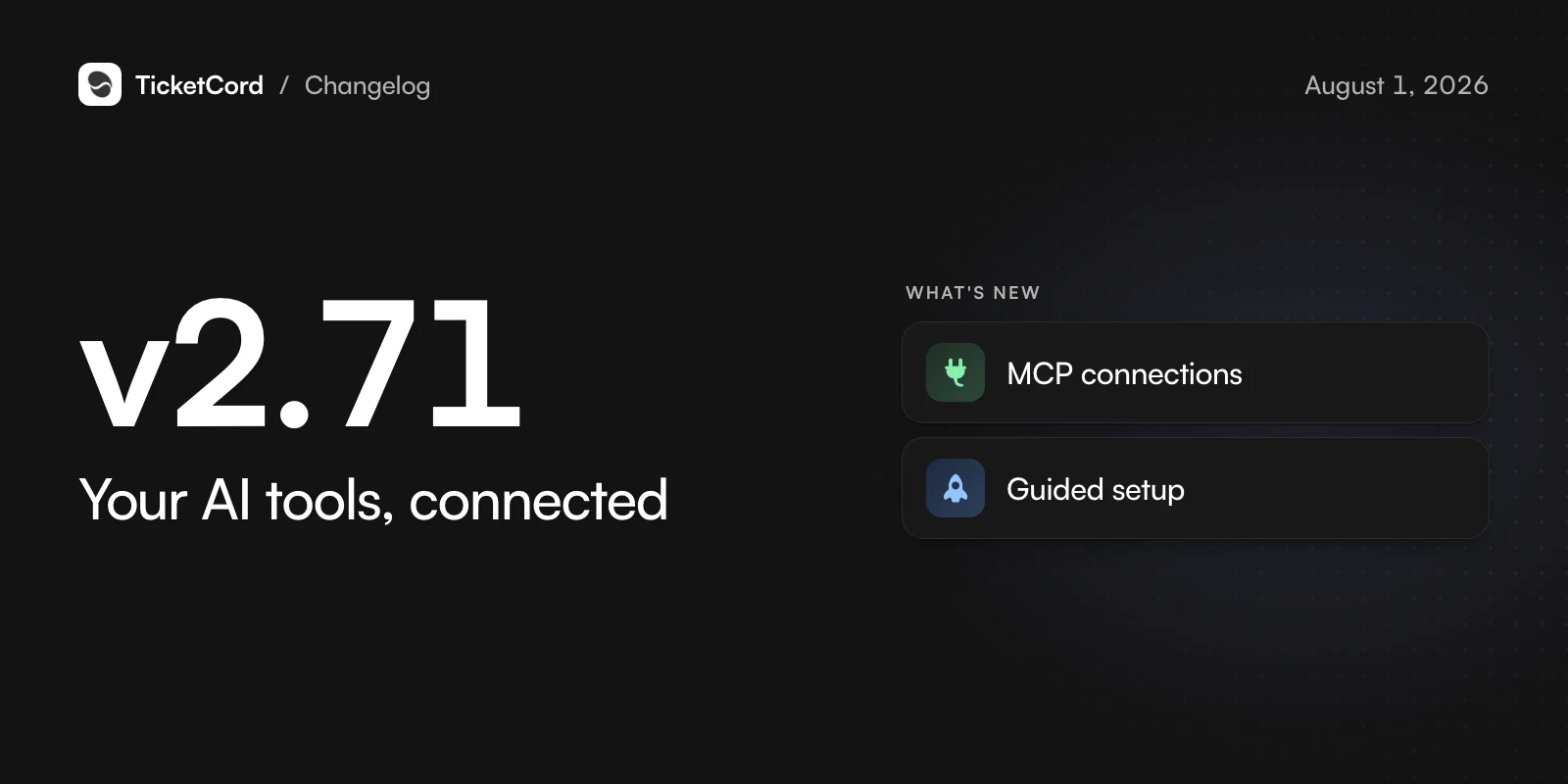
v2.71,

Your AI tools, connected

Work your tickets and knowledge base from the AI tools you already use.

  • MCP connections

    Connect Claude Code or Codex to search, reply to and close tickets and manage your knowledge base.

  • Guided setup

    Setup ends with your panel posted and a real test ticket, followed by a getting-started checklist.

Changed

  • Server settings are grouped into clearer sections.

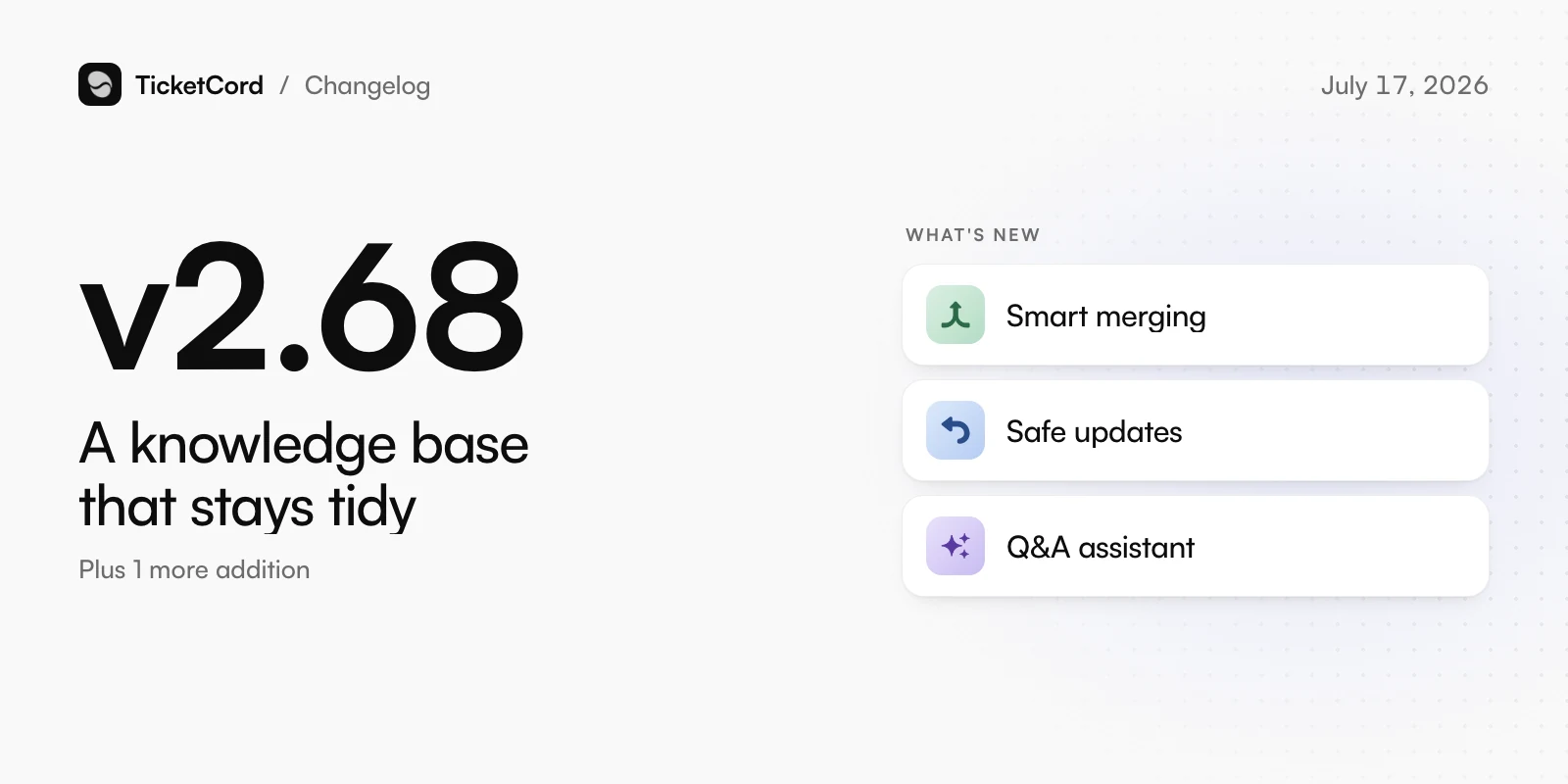
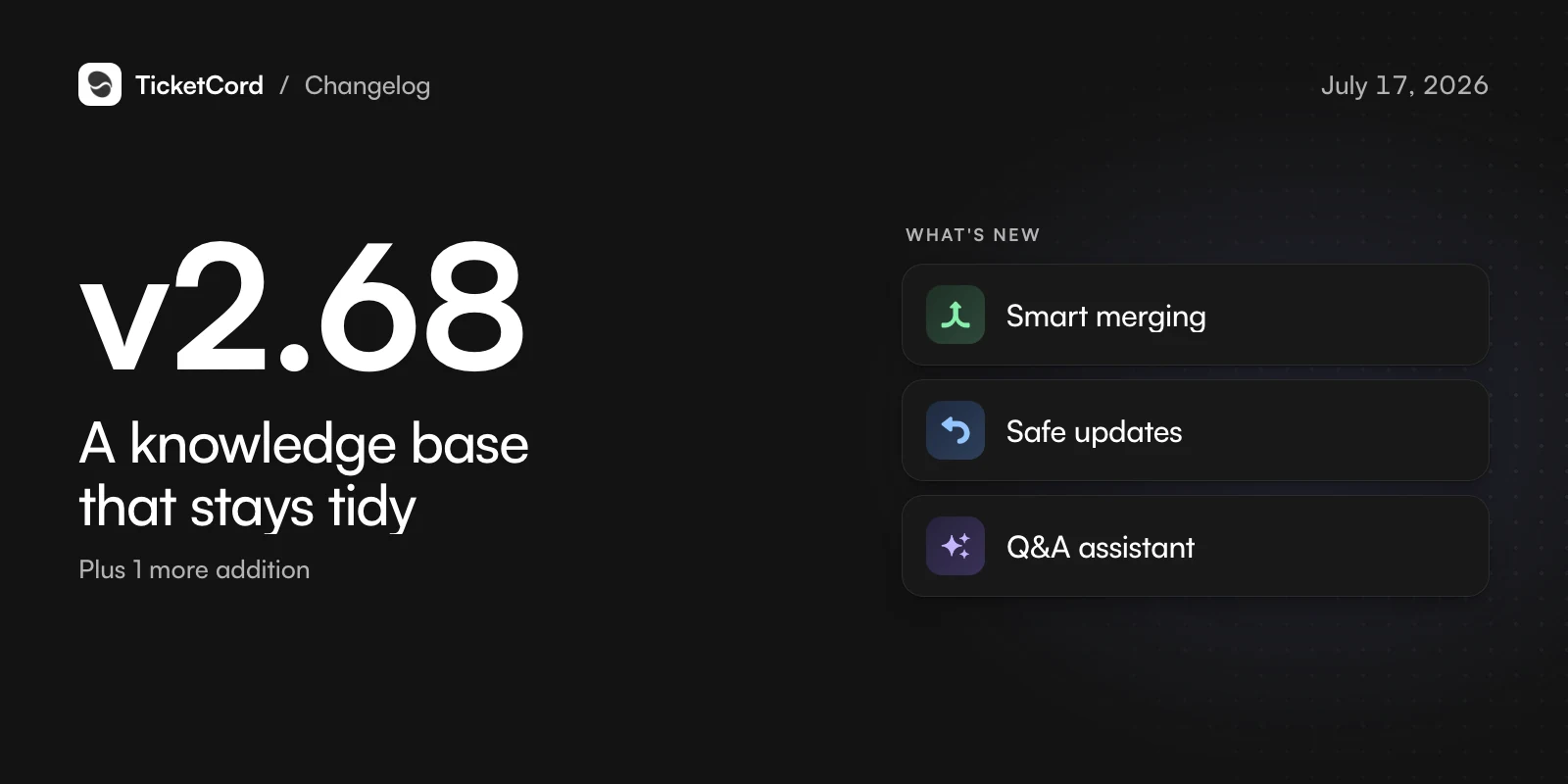
v2.68,

A knowledge base that stays tidy

Atlas keeps your Q&A clean as it learns.

  • Smart merging

    What Atlas learns joins the entry it belongs to instead of piling up duplicates.

  • Safe updates

    Atlas only updates entries it learned itself, with a history and an Undo button. Anything staff wrote waits for review.

  • Q&A assistant

    Describe what you are looking for and it finds entries, spots stale ones and suggests cleanups.

Also new

  • Finish setup by picking a channel, and TicketCord posts your panel there.

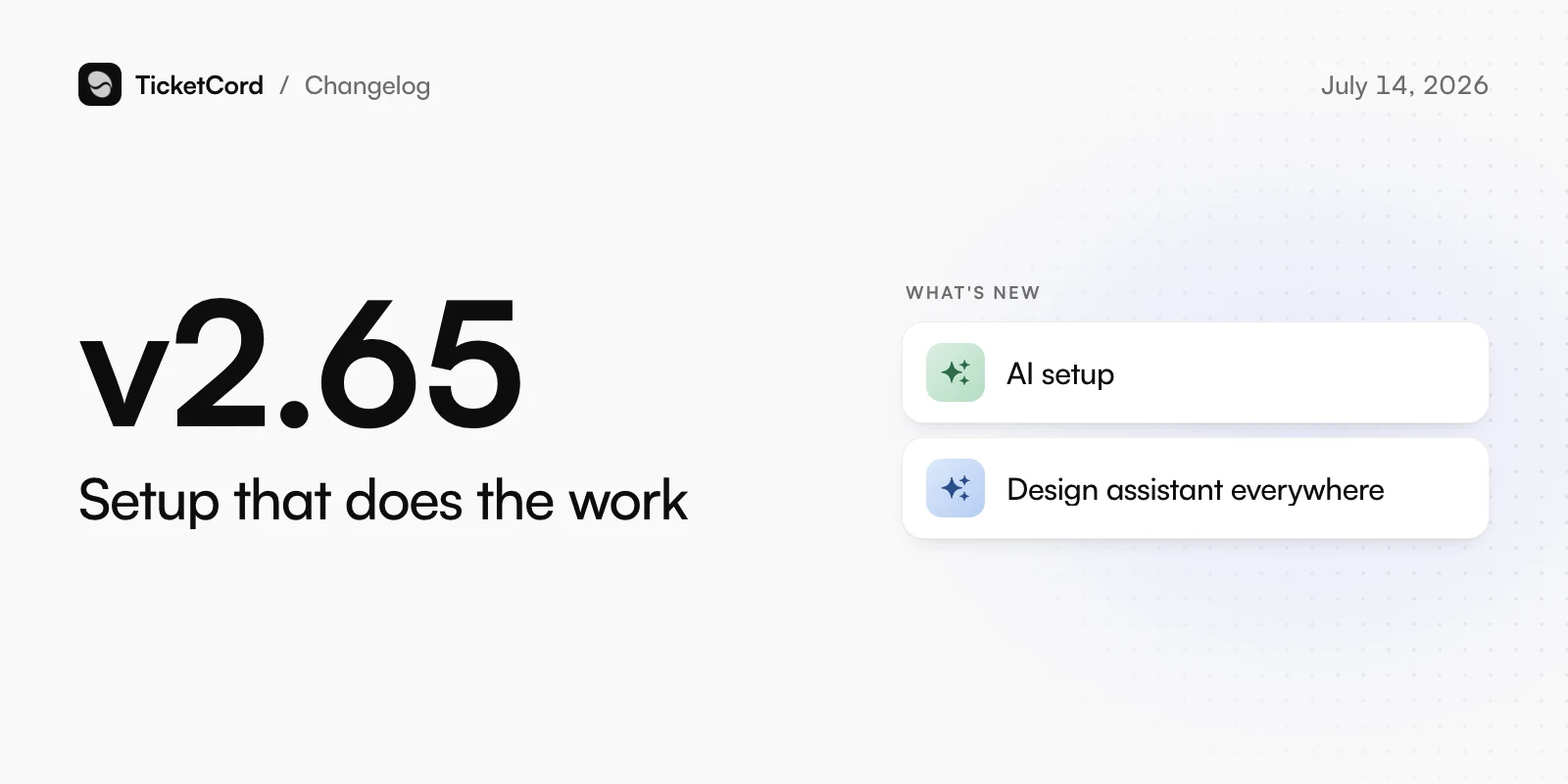
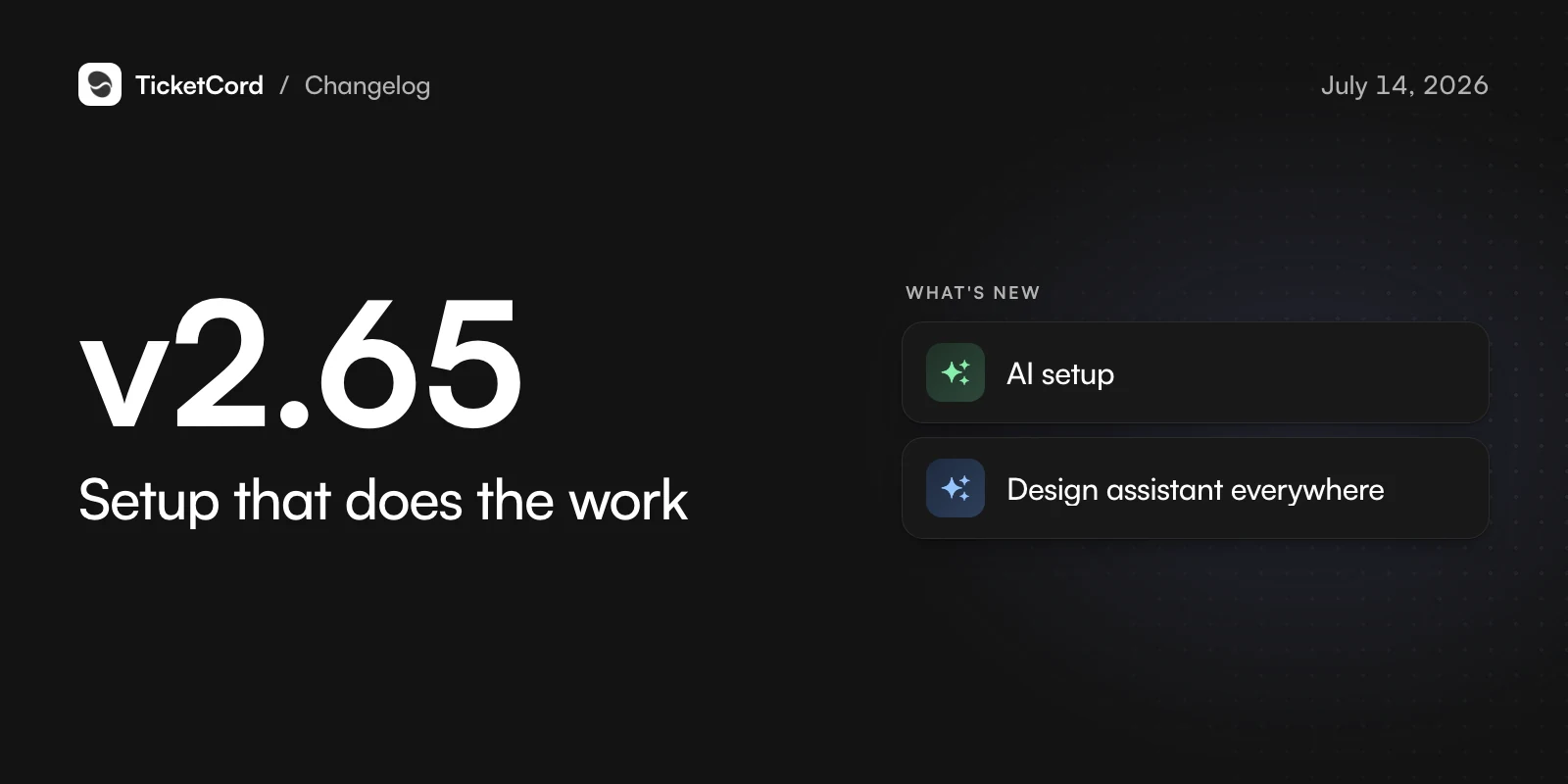
v2.65,

Setup that does the work

Get started with your server already understood.

  • AI setup

    Setup preselects your staff roles, categories and log channels from your server. You can change every choice.

  • Design assistant everywhere

    Describe a welcome or off-hours message and watch it build.

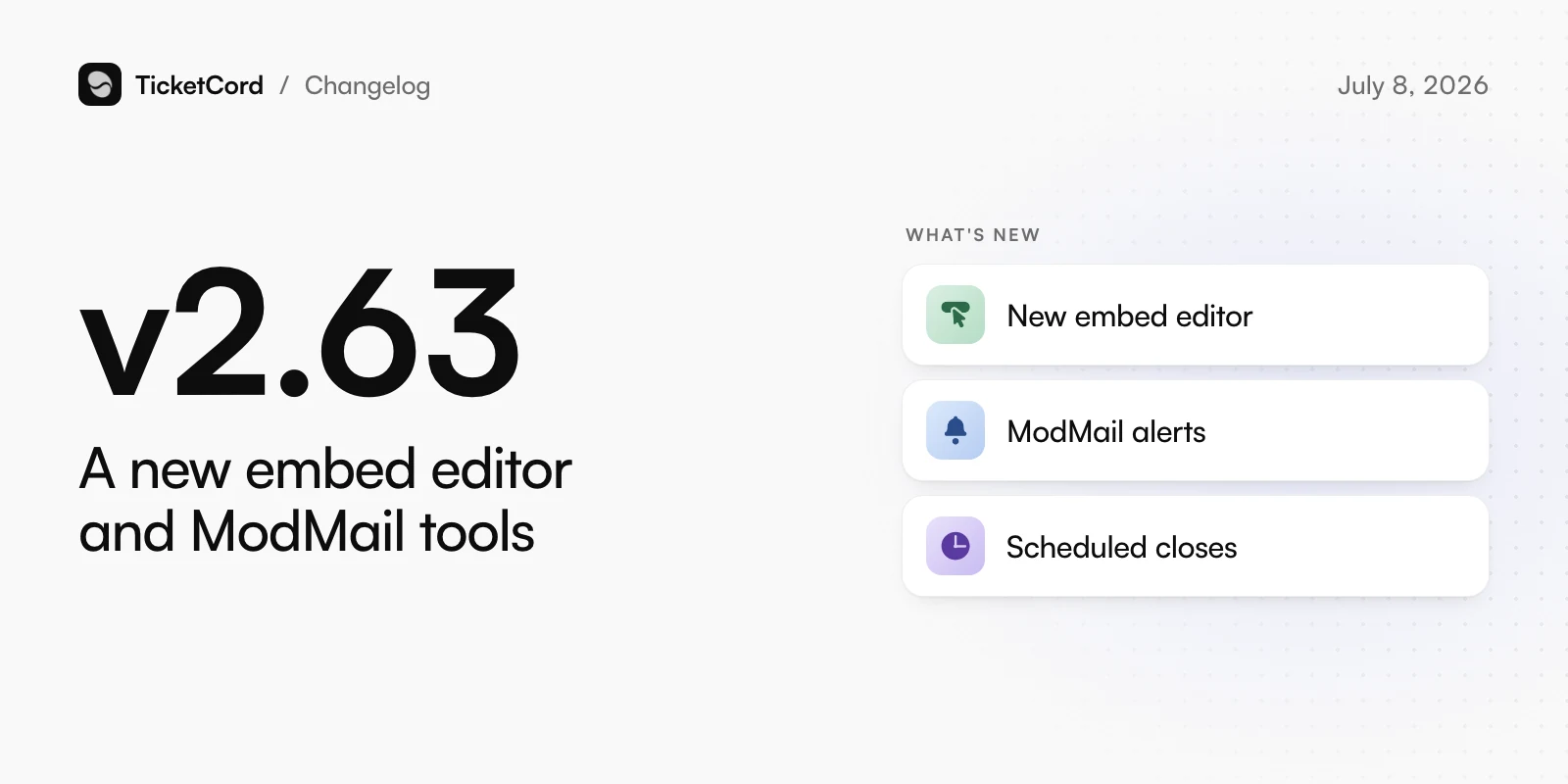
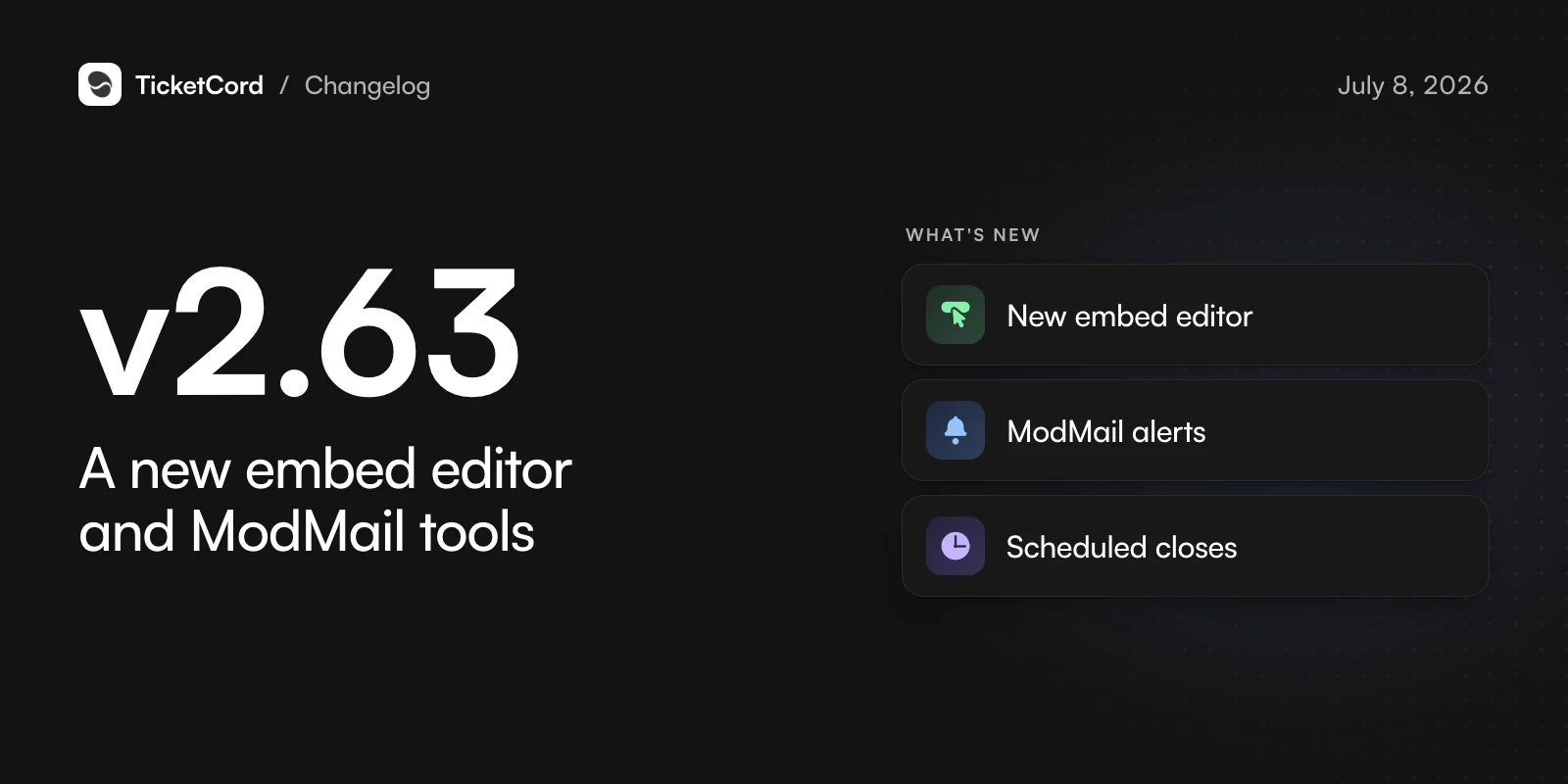
v2.63,

A new embed editor and ModMail tools

Design richer panels and keep ModMail under control.

  • New embed editor

    A Discord-style builder with live editing, image uploads and an assistant.

  • ModMail alerts

    Get alerted at the next reply, follow every reply, or mute them.

  • Scheduled closes

    Close a ModMail ticket later. A reply cancels it.

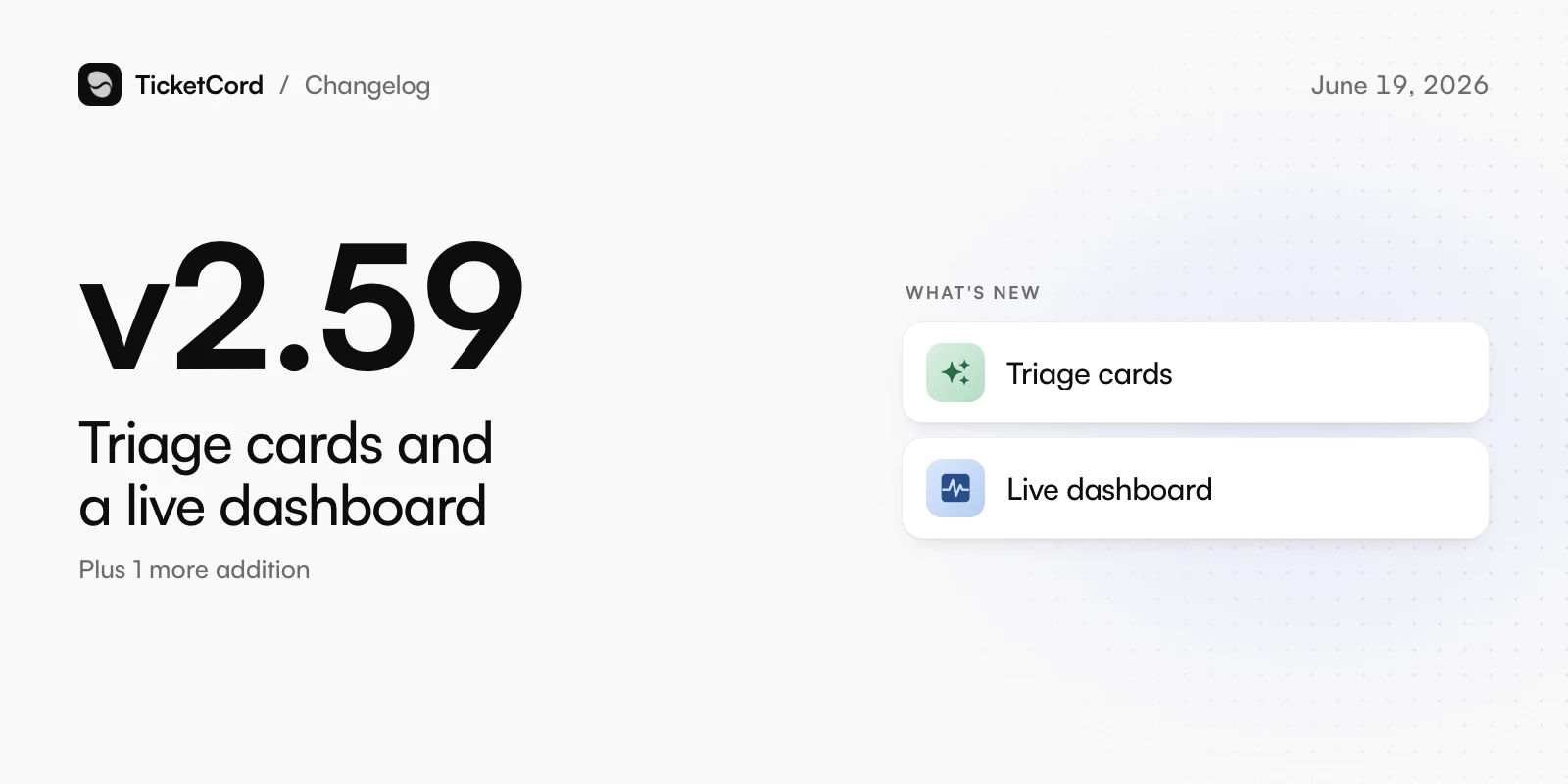
v2.59,

Triage cards and a live dashboard

Know what a ticket needs before you open it.

  • Triage cards

    A short summary of each ticket: what the member needs, their mood, urgency and the next step.

  • Live dashboard

    Tickets, stats and activity update while the page is open.

Also new

  • The ticket timeline shows what Atlas did and why.

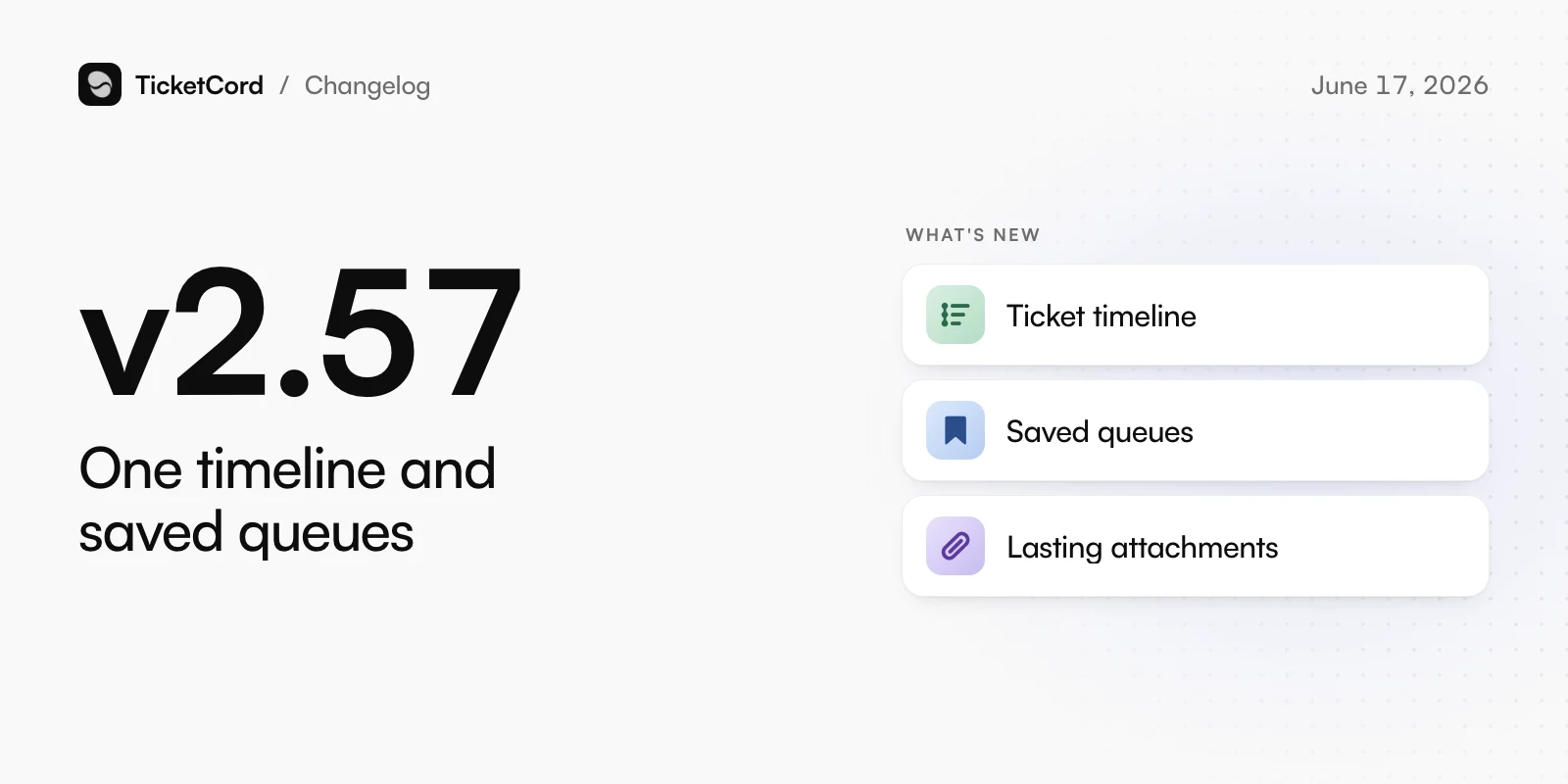
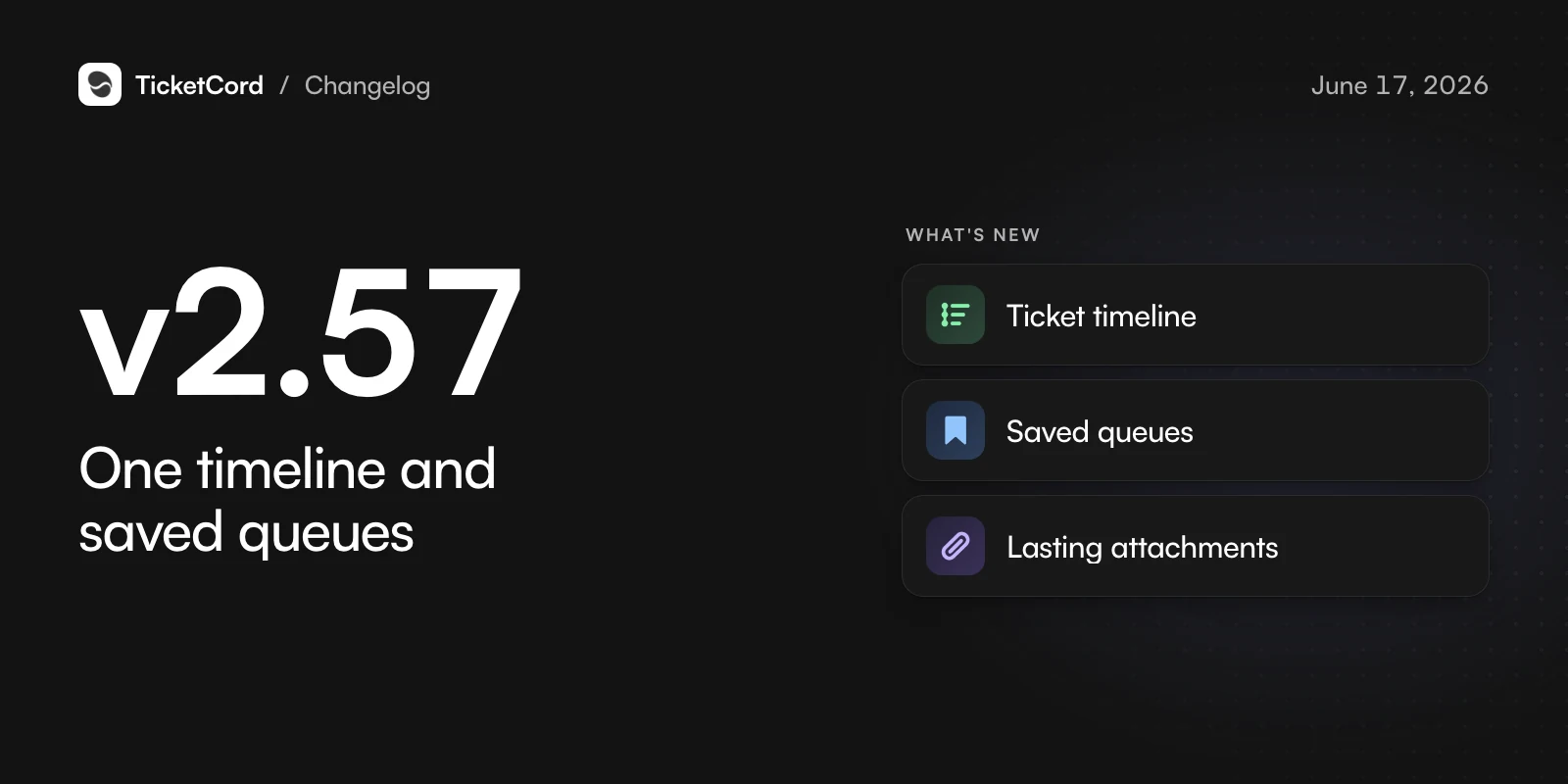
v2.57,

One timeline and saved queues

See a ticket in one place and get back to your views fast.

  • Ticket timeline

    Messages, notes, events and changes in one view, in order.

  • Saved queues

    Save filtered ticket views and open them in one click.

  • Lasting attachments

    Images, videos and files in transcripts stay viewable.

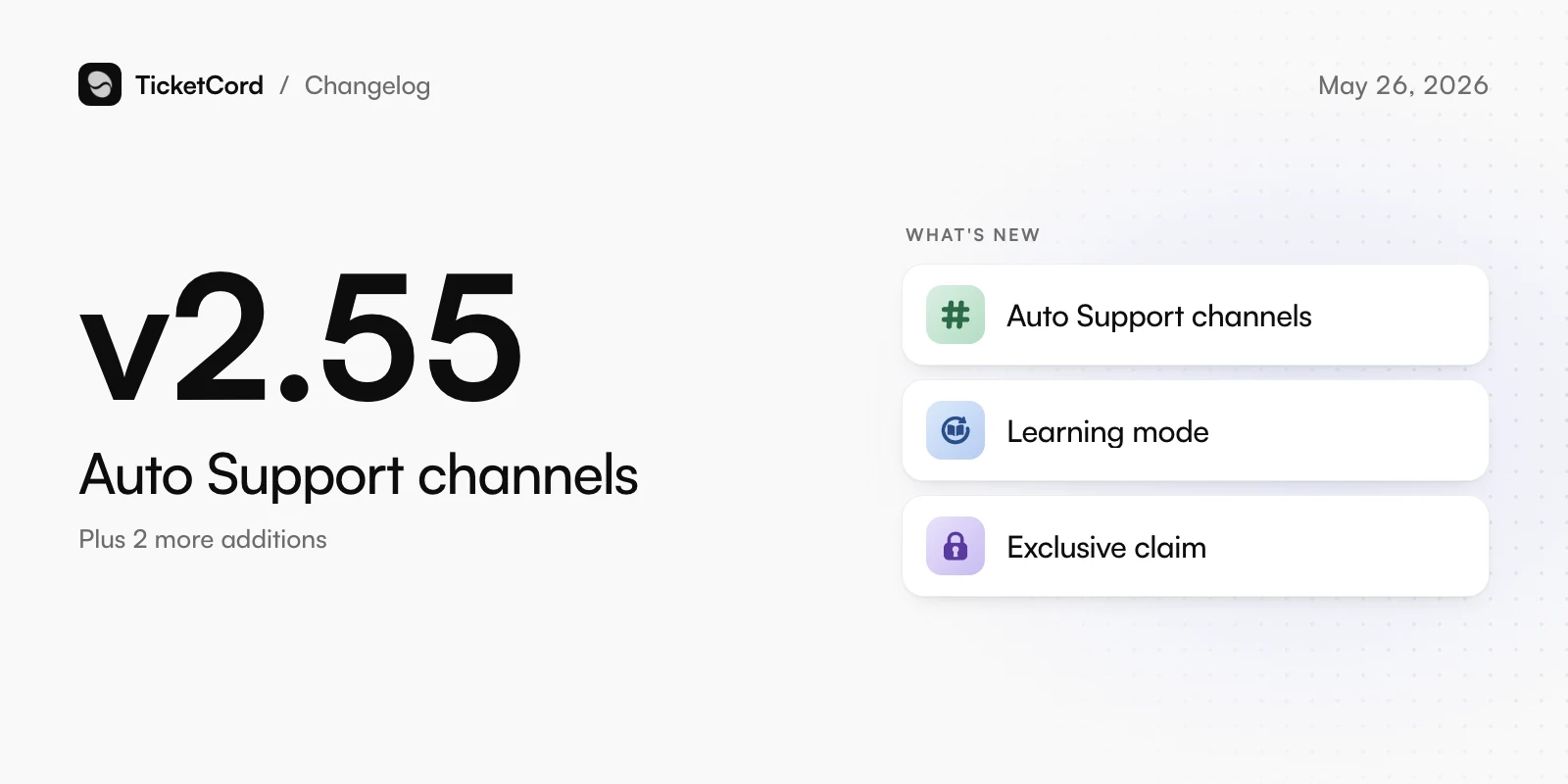
v2.55,

Auto Support channels

Answer questions in public channels and keep staff in control.

  • Auto Support channels

    Questions in chosen channels get a thread with an answer and its sources, and can become a ticket.

  • Learning mode

    Atlas stays quiet in support threads and learns from your staff instead.

  • Exclusive claim

    Claiming a ticket can hide it from everyone except the claimer and the member.

Also new

  • Let only staff close tickets.
  • Atlas answers common tech questions your knowledge base does not cover.

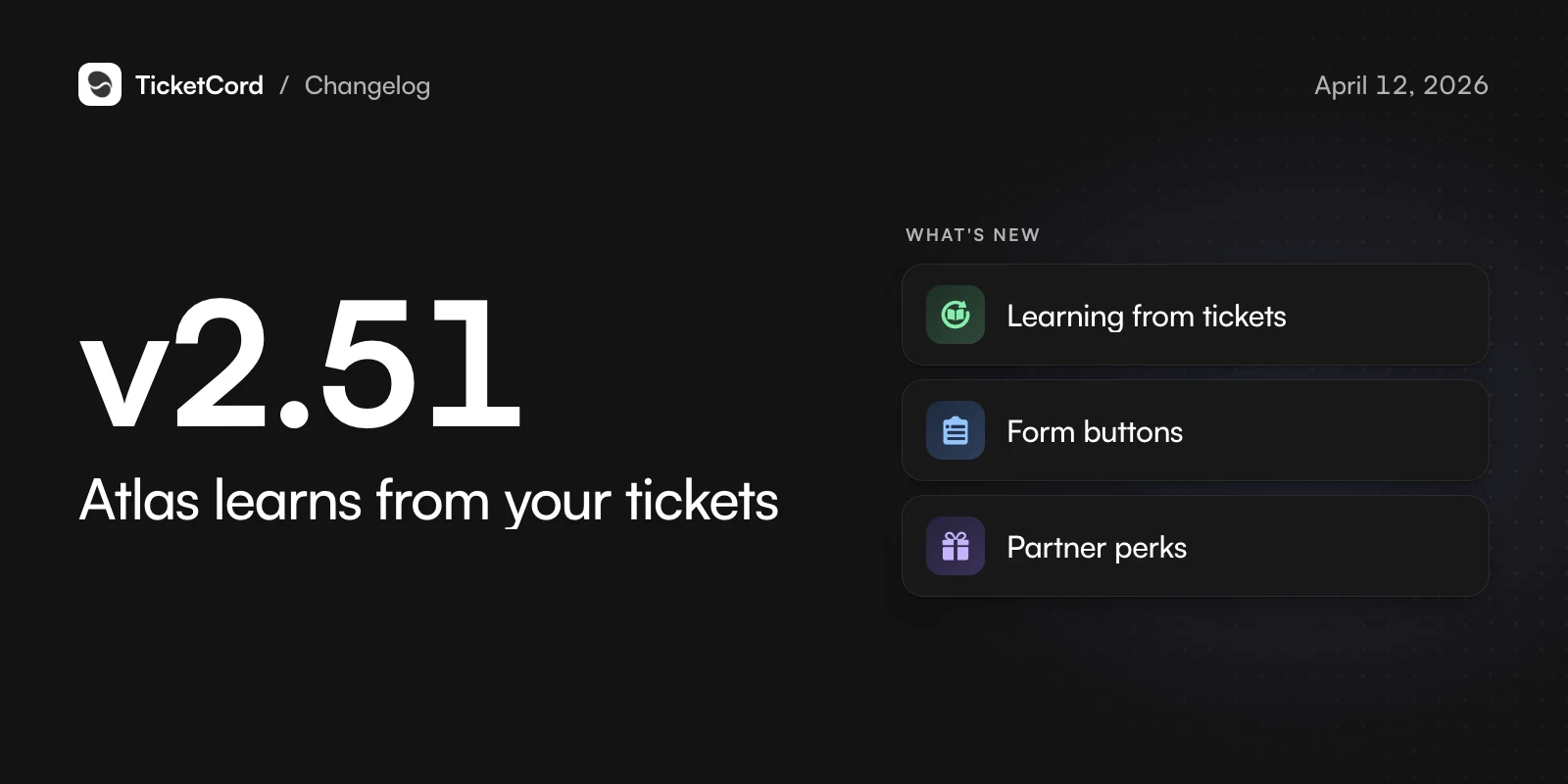
v2.51,

Atlas learns from your tickets

Every solved ticket makes Atlas better.

  • Learning from tickets

    Atlas learns from closed tickets. Staff approve, edit or undo what it learned from the logs channel.

  • Form buttons

    Up to 5 buttons per panel, each with its own form and category.

  • Partner perks

    Paying customers claim free gift cards from our partners.

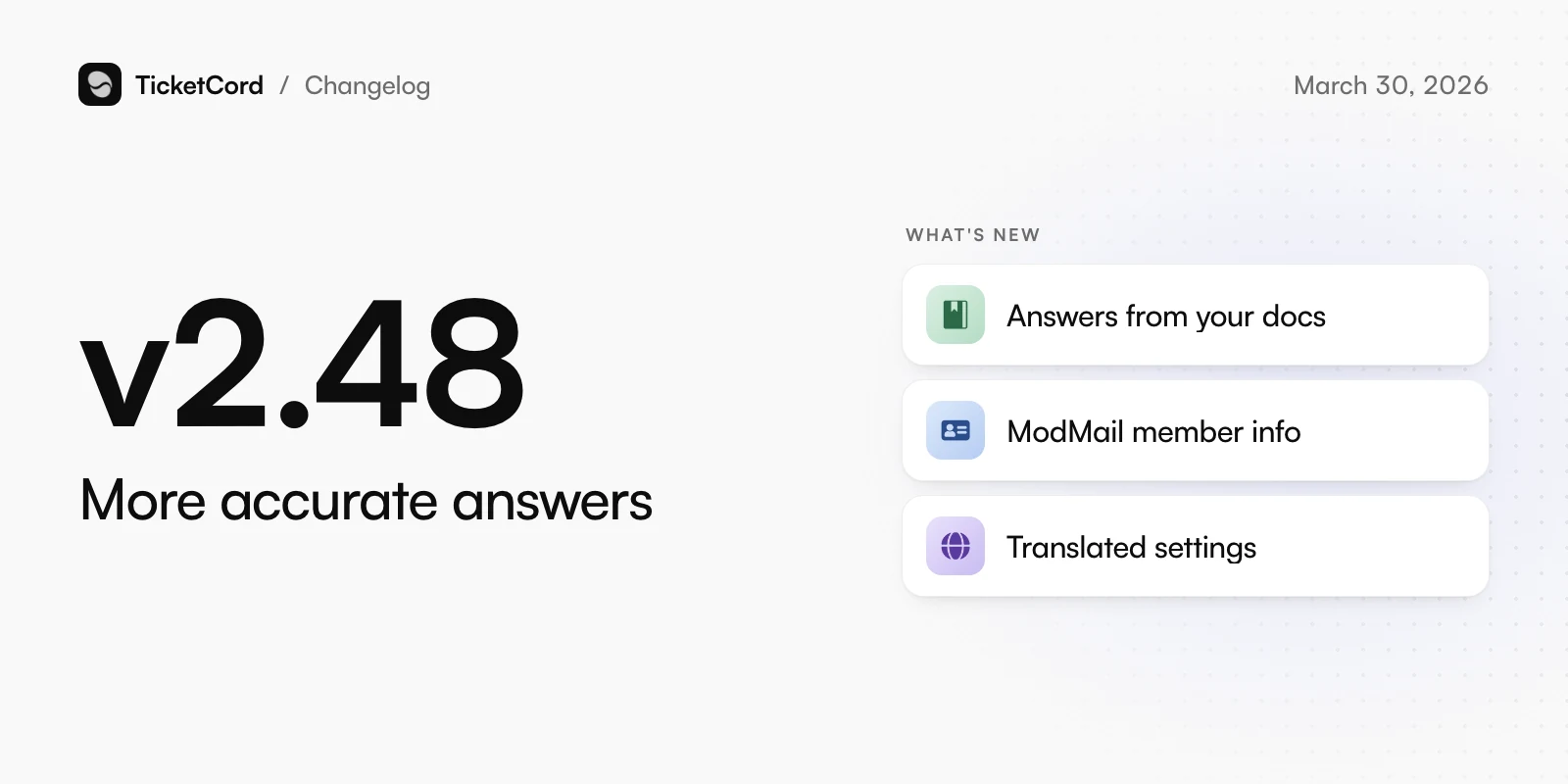
v2.48,

More accurate answers

Atlas sticks to your docs, and the dashboard speaks your language.

  • Answers from your docs

    Atlas answers from your documentation and asks when a question is unclear.

  • ModMail member info

    Staff see a member's account age, join date, past tickets and roles when a ModMail ticket opens.

  • Translated settings

    Every setting is available in all 12 dashboard languages.

v2.45,

Star ratings and team access

Simpler ratings and tickets that reach only the right team.

  • Star ratings

    Members rate tickets from 1 to 5 stars, or later with /feedback.

  • Team-only tickets

    Sorted tickets can be visible only to the staff roles you choose.

  • ModMail welcome messages

    ModMail tickets get the same customizable welcome message as every other ticket.

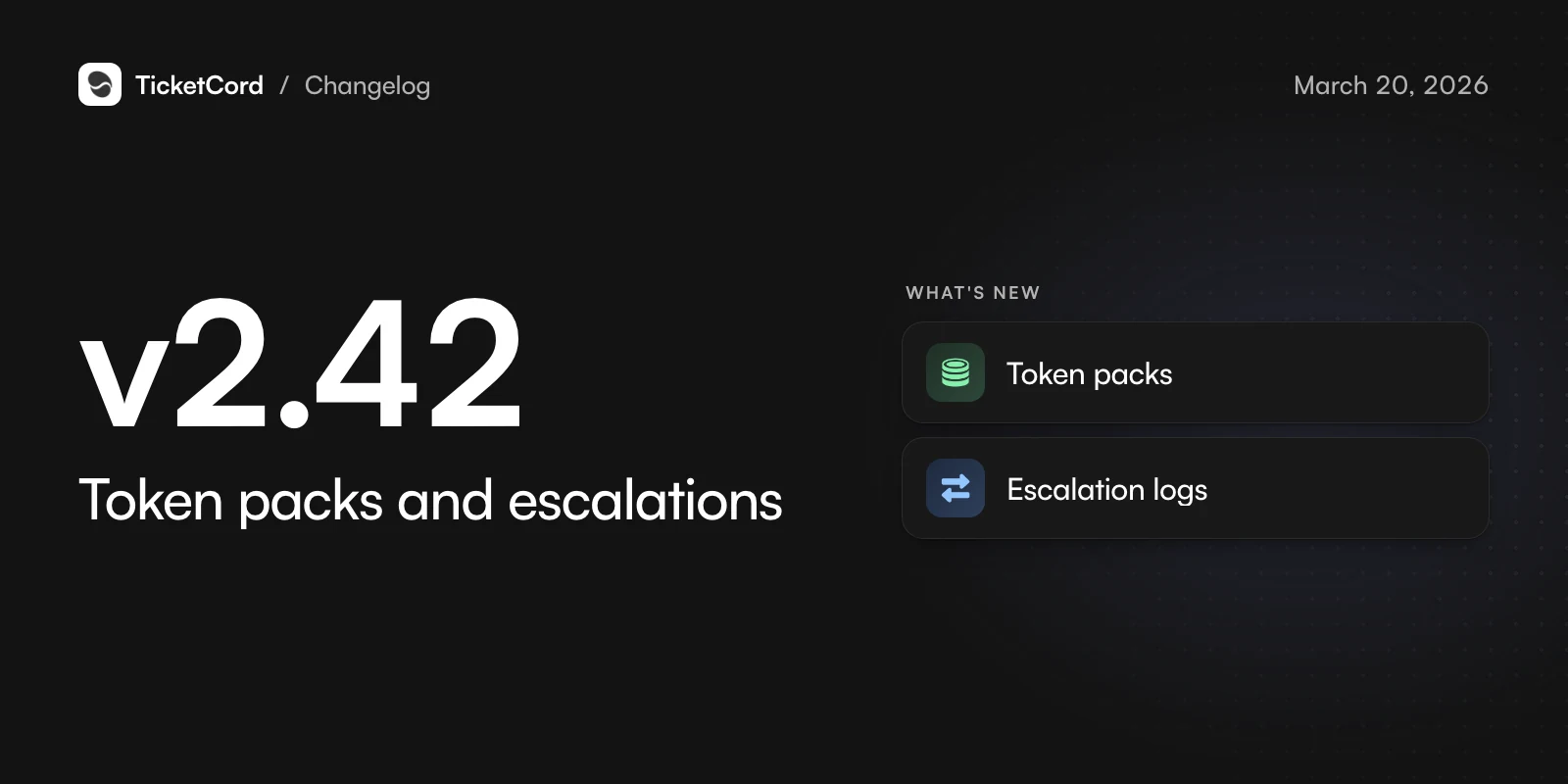
v2.42,

Token packs and escalations

Top up AI tokens and track escalations.

  • Token packs

    Buy extra tokens once. They never expire and are used after your monthly tokens.

  • Escalation logs

    Missed targets and escalations are posted to your logs channel and sent to your webhooks.

Changed

  • Trials start right away, with no card check.

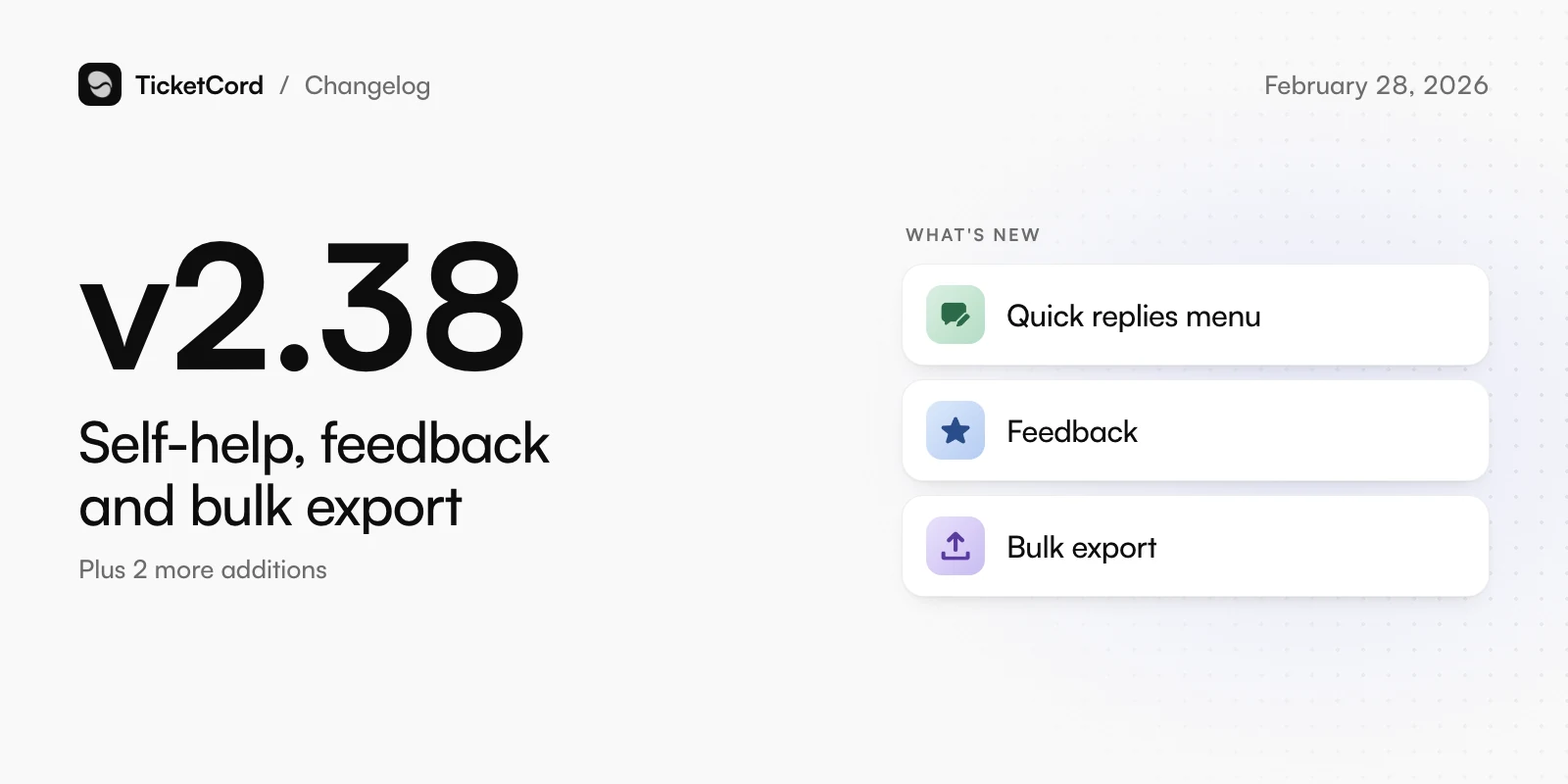
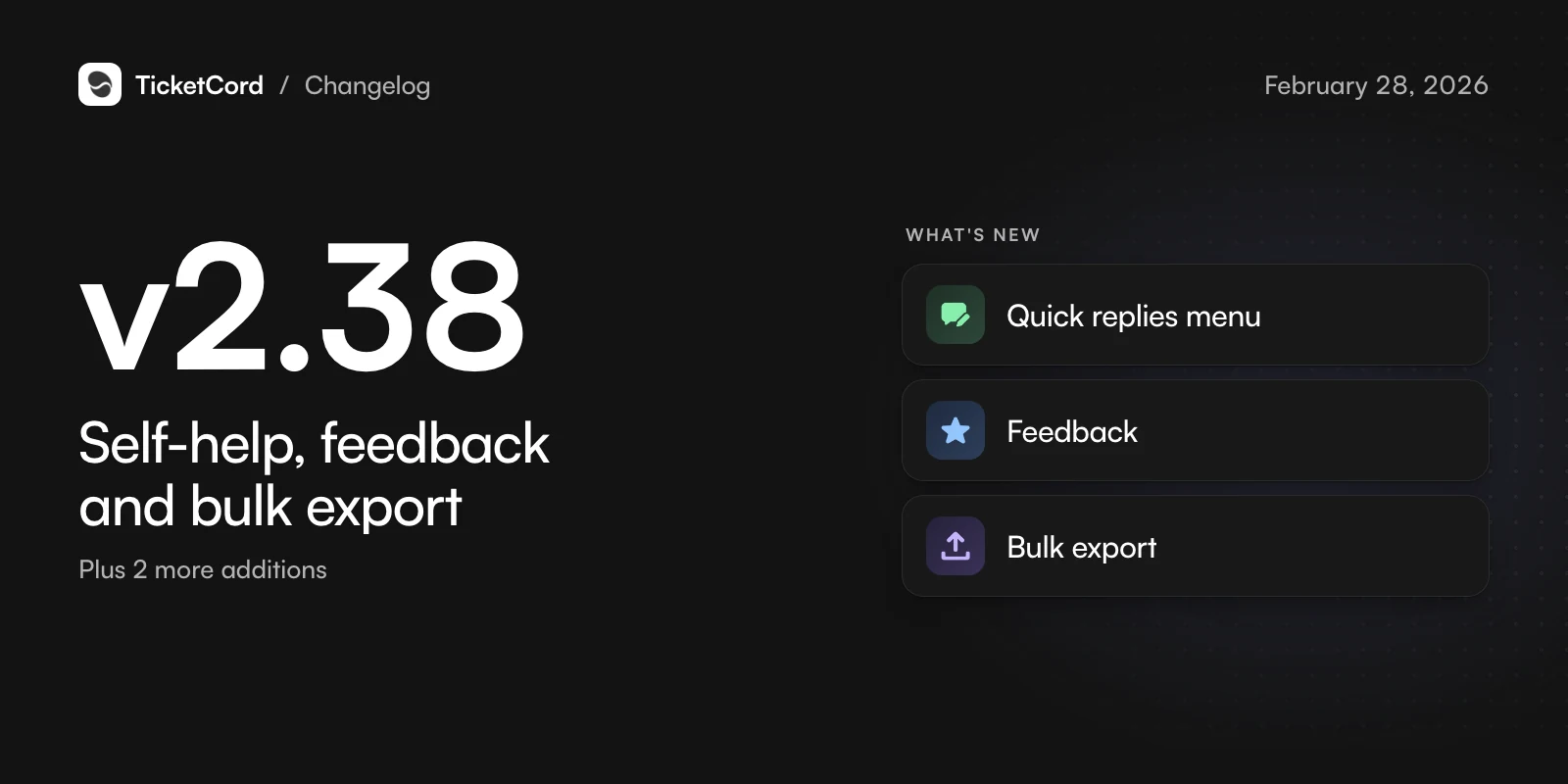
v2.38,

Self-help, feedback and bulk export

Help members help themselves and hear what they think.

  • Quick replies menu

    Add a dropdown of ready answers to your welcome messages.

  • Feedback

    Ask for ratings after a ticket closes, with reminders, and share them publicly or keep them internal.

  • Bulk export

    Export up to 50 tickets at once as PDF, HTML, JSON or CSV.

Also new

  • /translation turns translation on or off for one ticket.
  • Business hours and naming options for ModMail.

Changed

  • A redesigned dashboard.

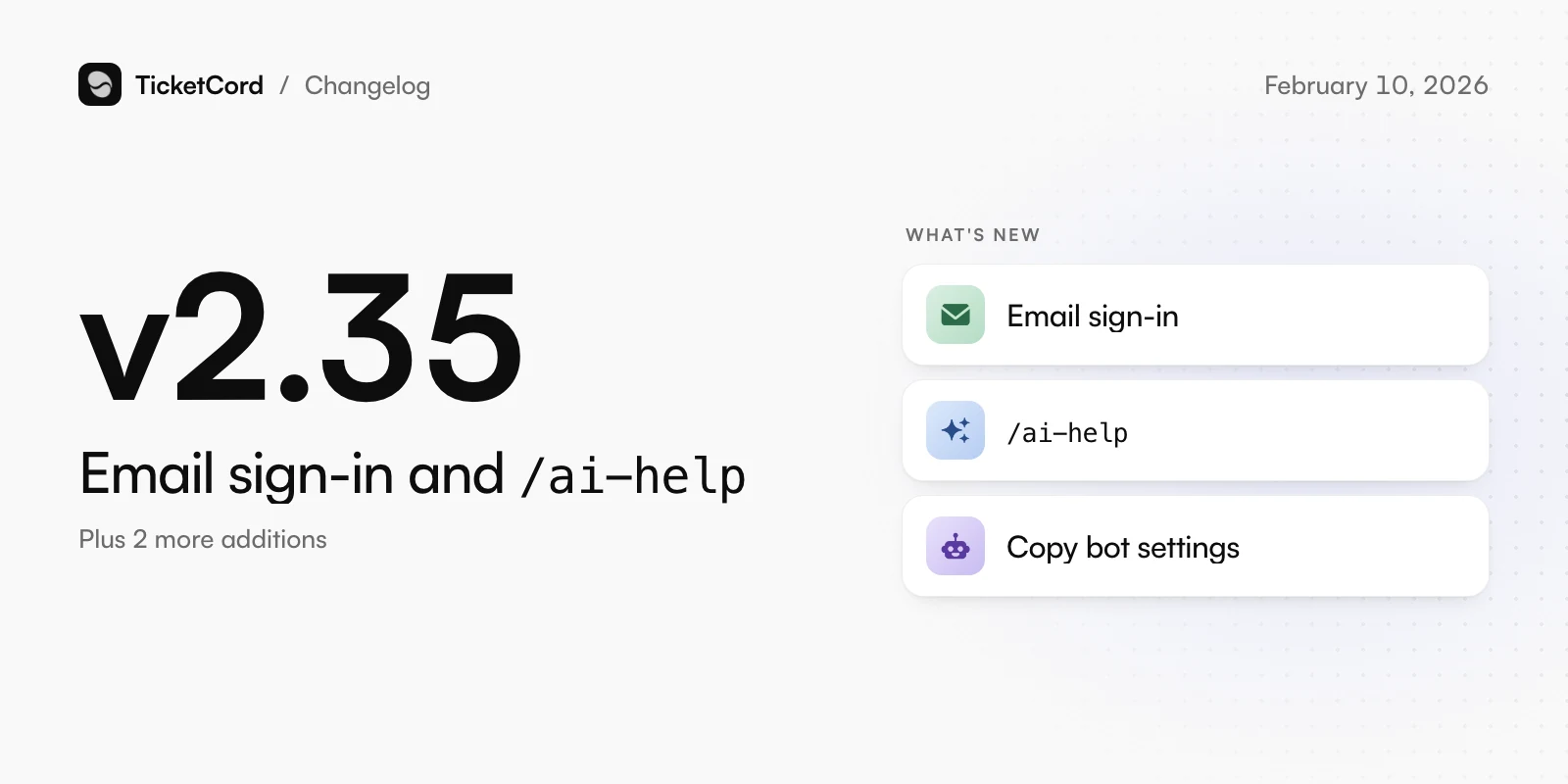
v2.35,

Email sign-in and /ai-help

Never lose access to your account, and let Atlas draft replies for staff.

  • Email sign-in

    Sign in with a link sent to your email if you lose access to Discord, and move everything to a new Discord account.

  • /ai-help

    Staff get a suggested reply from your knowledge base and choose whether to send it.

  • Copy bot settings

    Copy one bot or server setup to another, and see what will change first.

Also new

  • Give members a role while their ticket is open.
  • The website is available in Italian, Turkish and Polish.

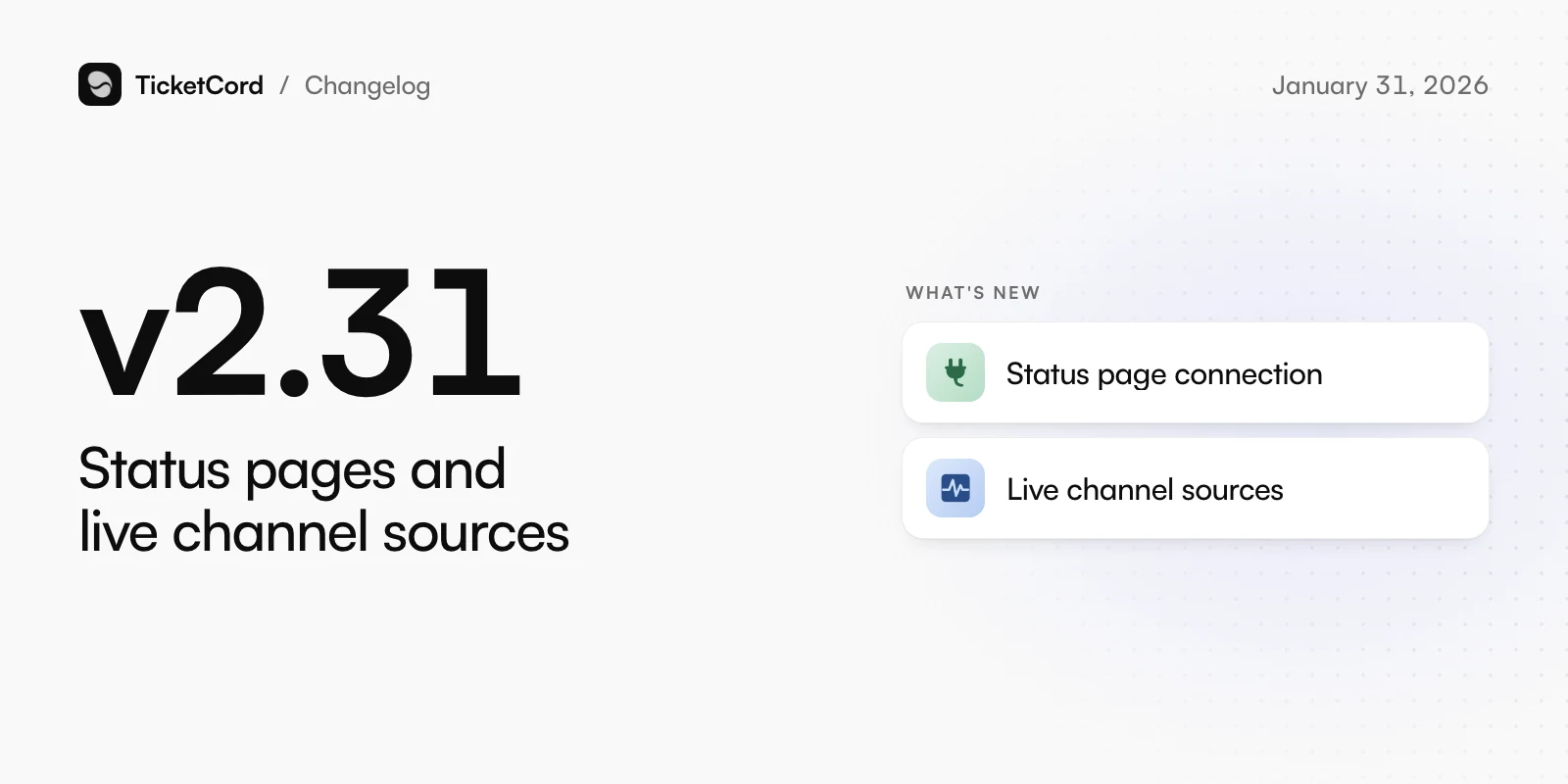
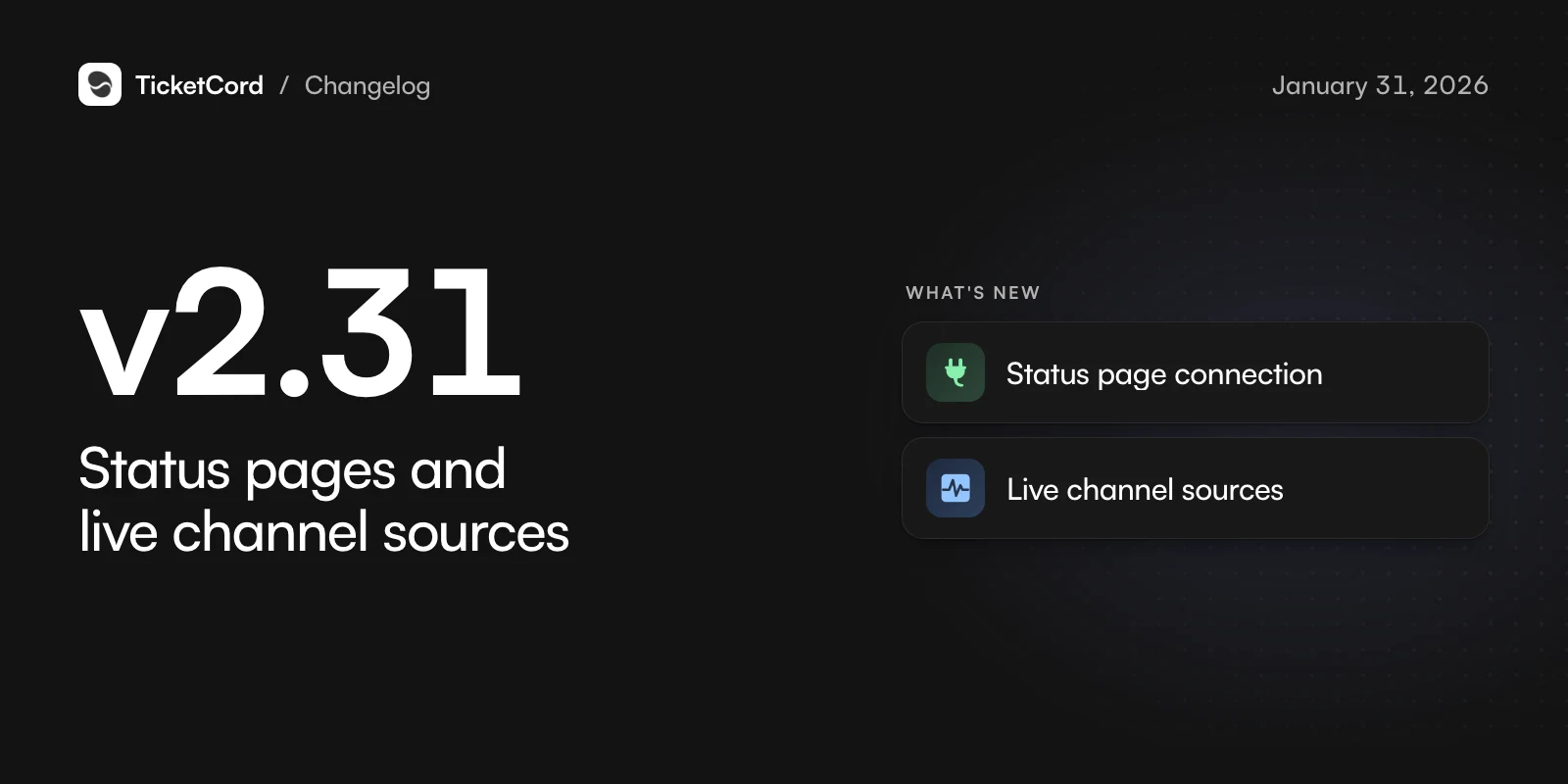
v2.31,

Status pages and live channel sources

Atlas knows about outages and your latest messages.

  • Status page connection

    Connect Better Stack or Atlassian Statuspage, and Atlas tells members about active incidents.

  • Live channel sources

    Discord channel sources pick up new, edited and deleted messages right away.

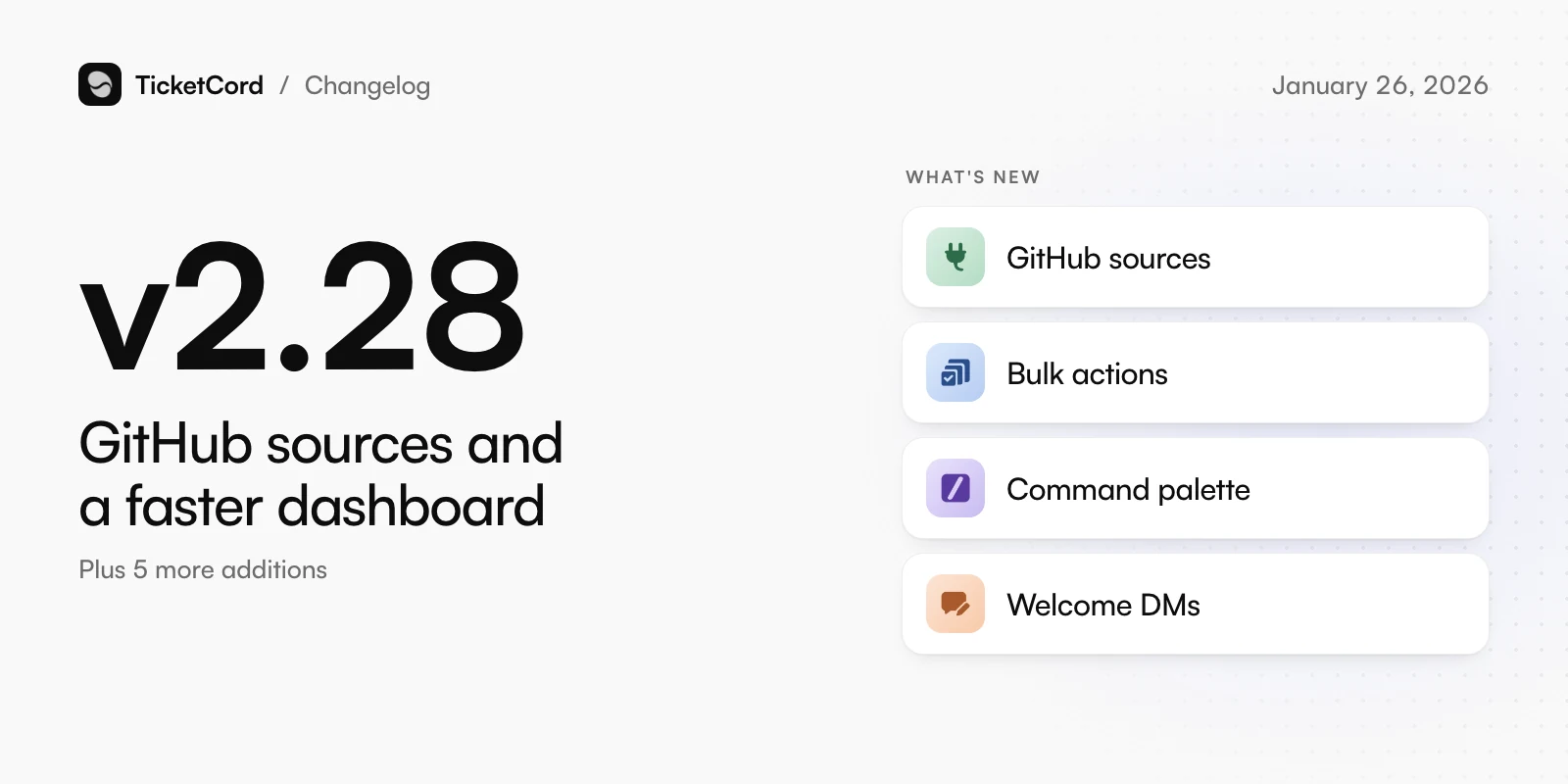
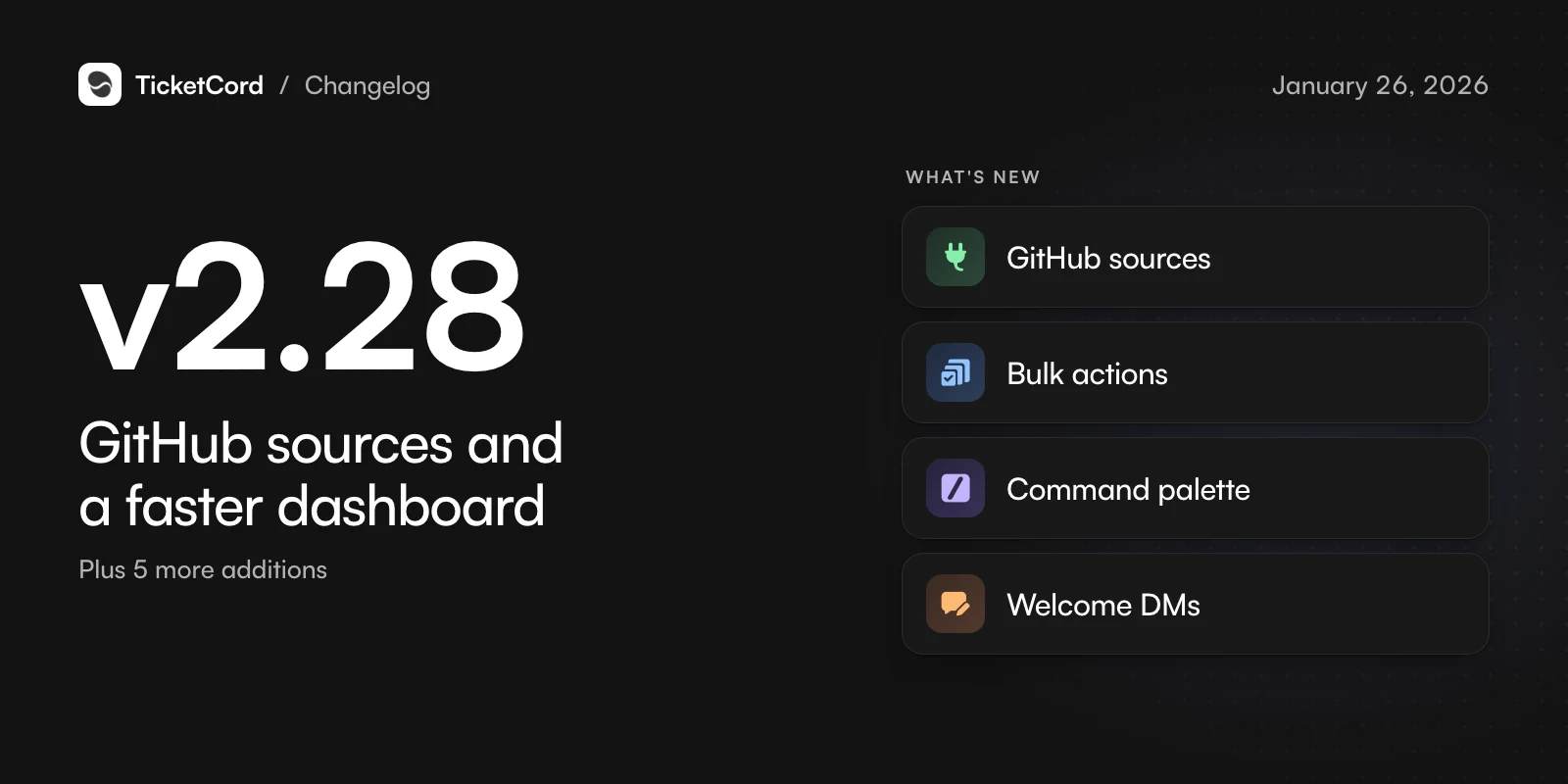
v2.28,

GitHub sources and a faster dashboard

More ways to teach Atlas, and faster ways to work.

  • GitHub sources

    Add your repositories as knowledge sources. They update when your docs change.

  • Bulk actions

    Close, reopen, tag or set the priority of many tickets at once.

  • Command palette

    Press Ctrl+K to go anywhere in the dashboard, with keyboard shortcuts.

  • Welcome DMs

    Greet new members in their DMs. A reply opens a ticket.

Also new

  • Analytics reports by email.
  • Give staff a moment to reply before Atlas does.
  • Variables in saved replies.
  • A token usage chart with a forecast.
  • Export your data.

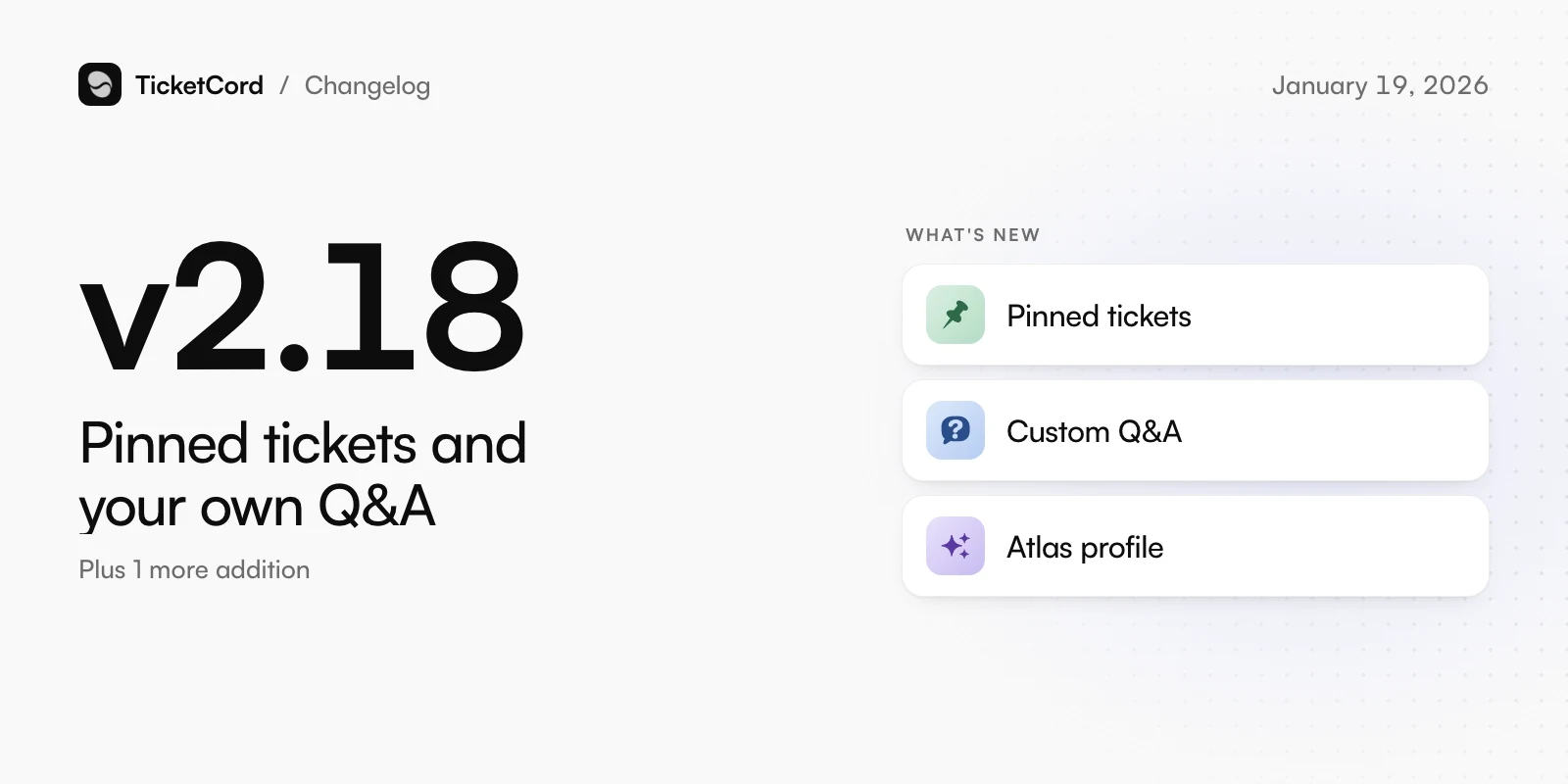
v2.18,

Pinned tickets and your own Q&A

Keep important tickets open and tell Atlas what to say.

  • Pinned tickets

    Pin a ticket so it never auto-closes.

  • Custom Q&A

    Write your own Q&A entries for Atlas to answer from.

  • Atlas profile

    Tell Atlas your community name, products, topics to avoid and how to behave.

Also new

  • Set AI token limits per member.

v2.8,

The Basic plan and more languages

A plan for smaller communities and a dashboard in your language.

  • Basic plan

    An affordable plan with every essential ticket feature.

  • Dashboard languages

    The dashboard is available in 7 languages.

v2.1,

TicketCord 2

A rebuilt TicketCord, with tickets in DMs.

  • A new TicketCord

    A redesigned dashboard and new plans.

  • ModMail

    Members DM your bot to open a ticket, and staff reply from a channel.

  • Tags

    Tag tickets and filter by tag.